
GitMind supports importing mind maps and documents from a wide range of third-party formats, making it easier to migrate existing files and continue editing them in GitMind. Supported formats include MindMaster (EdrawMax), MindMeister, MindManager, Markdown, OPML, HTML, FreeMind, XMind, and GitMind files.
Import Local Files
To import a local file, click ‘More’ in the top toolbar and select ‘Import local file’. In the Local Import window, click ‘Upload’ to select a file from your device, or simply drag and drop the file into the upload area.
After the file is uploaded, click ‘Confirm Import’. GitMind will import the file and convert its content so you can continue viewing and editing it in GitMind.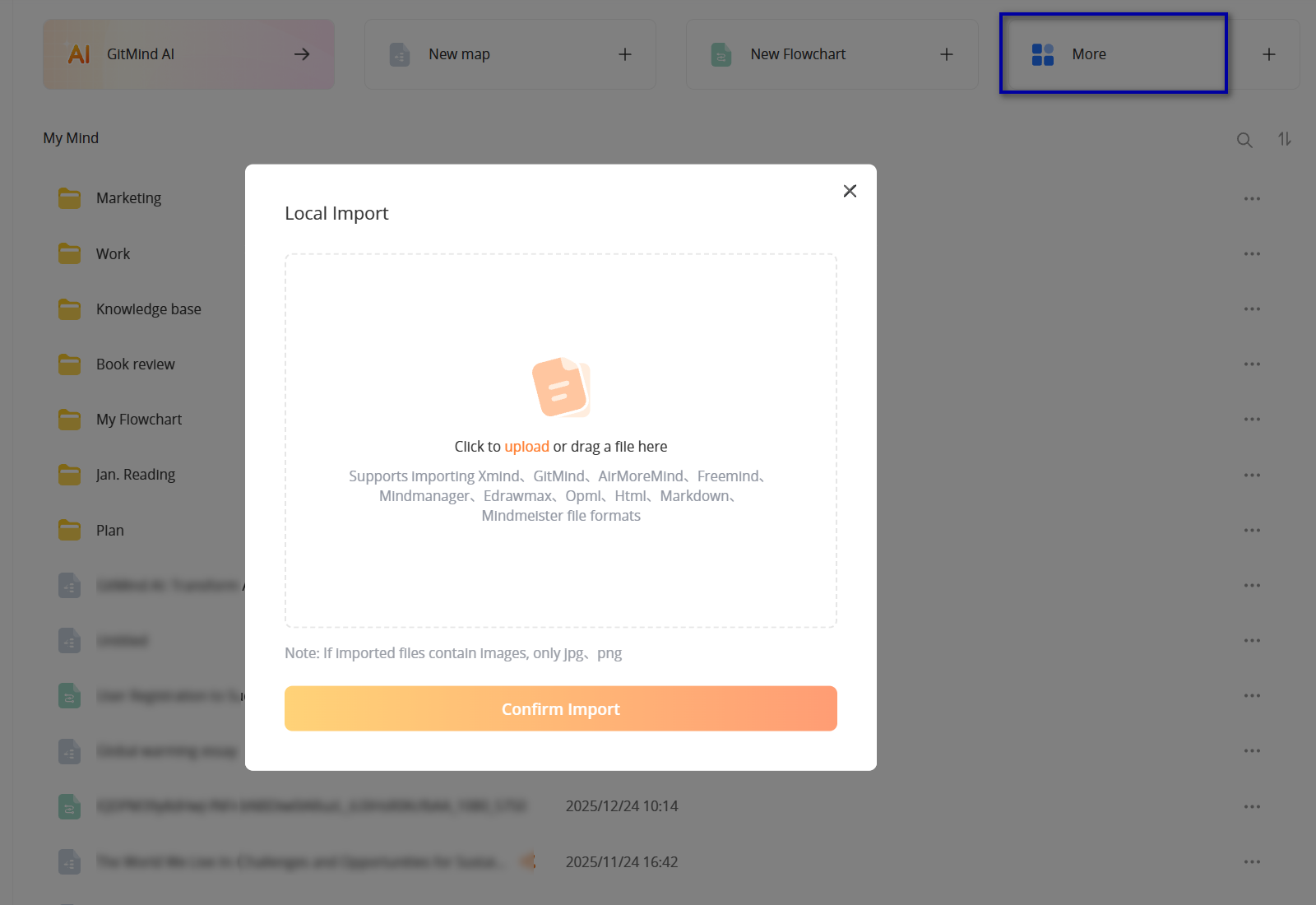
Supported File Formats
GitMind supports local imports from XMind, GitMind, MindMaster (EdrawMax), MindMeister, MindManager, Markdown, OPML, HTML, FreeMind, and other supported formats. This makes it easier to move existing mind maps and structured content from different tools into GitMind without rebuilding them from scratch.

Leave a Comment