Paper Search

Paper Search

The Paper Search feature in GitMind helps you quickly find relevant academic papers and research materials. You can enter keywords, paper titles, or author names, and the AI will retrieve and organize the most relevant results for you, making academic research faster and more efficient. Let’s see how to use it.

Search for Papers
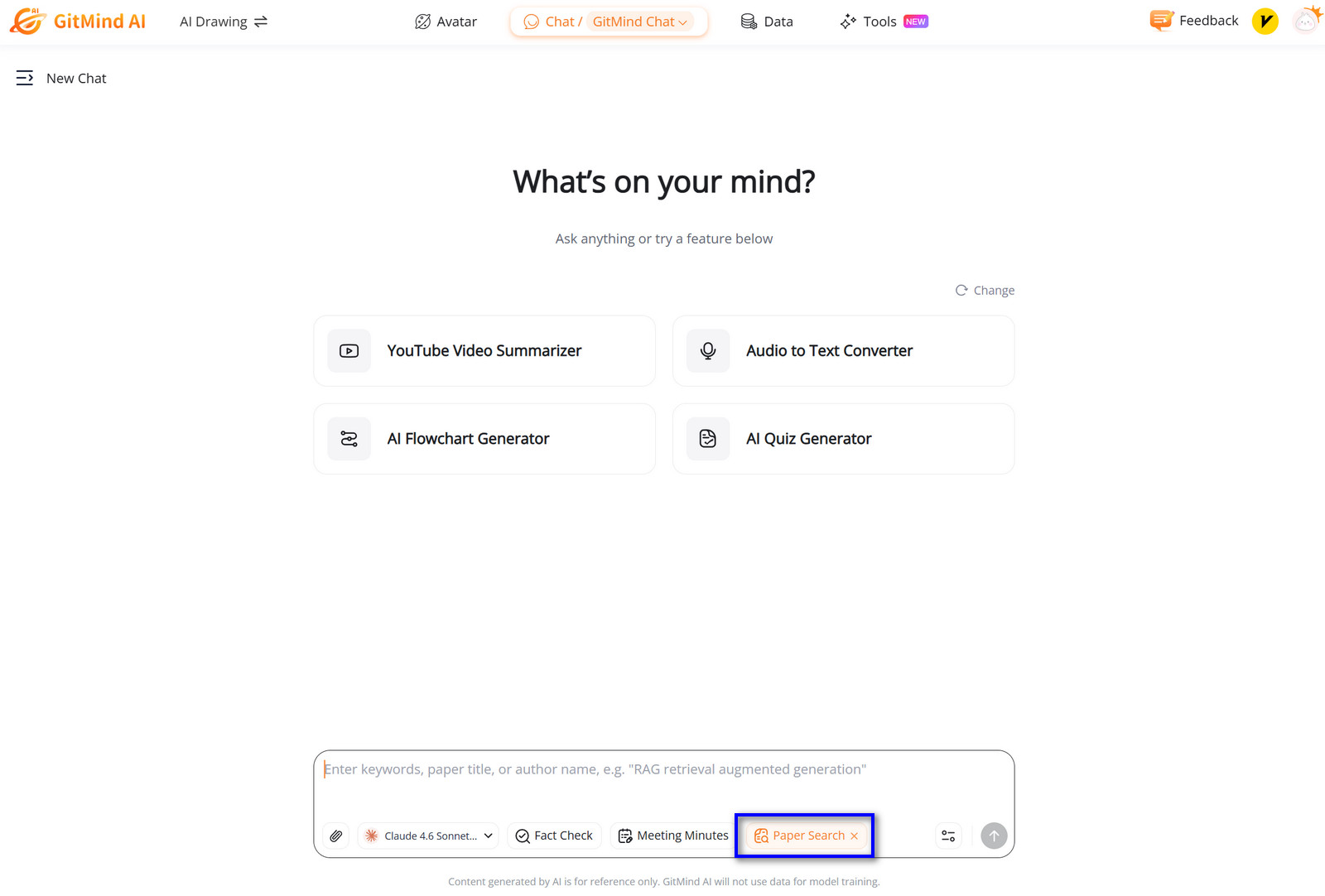
  • Enable the “Paper Search” feature in the toolbar.
  • Enter keywords, a paper title, or an author name in the input box.
  • Click to start the search process.
  • Paper Search

  • Wait a few seconds while the AI retrieves and analyzes relevant papers.
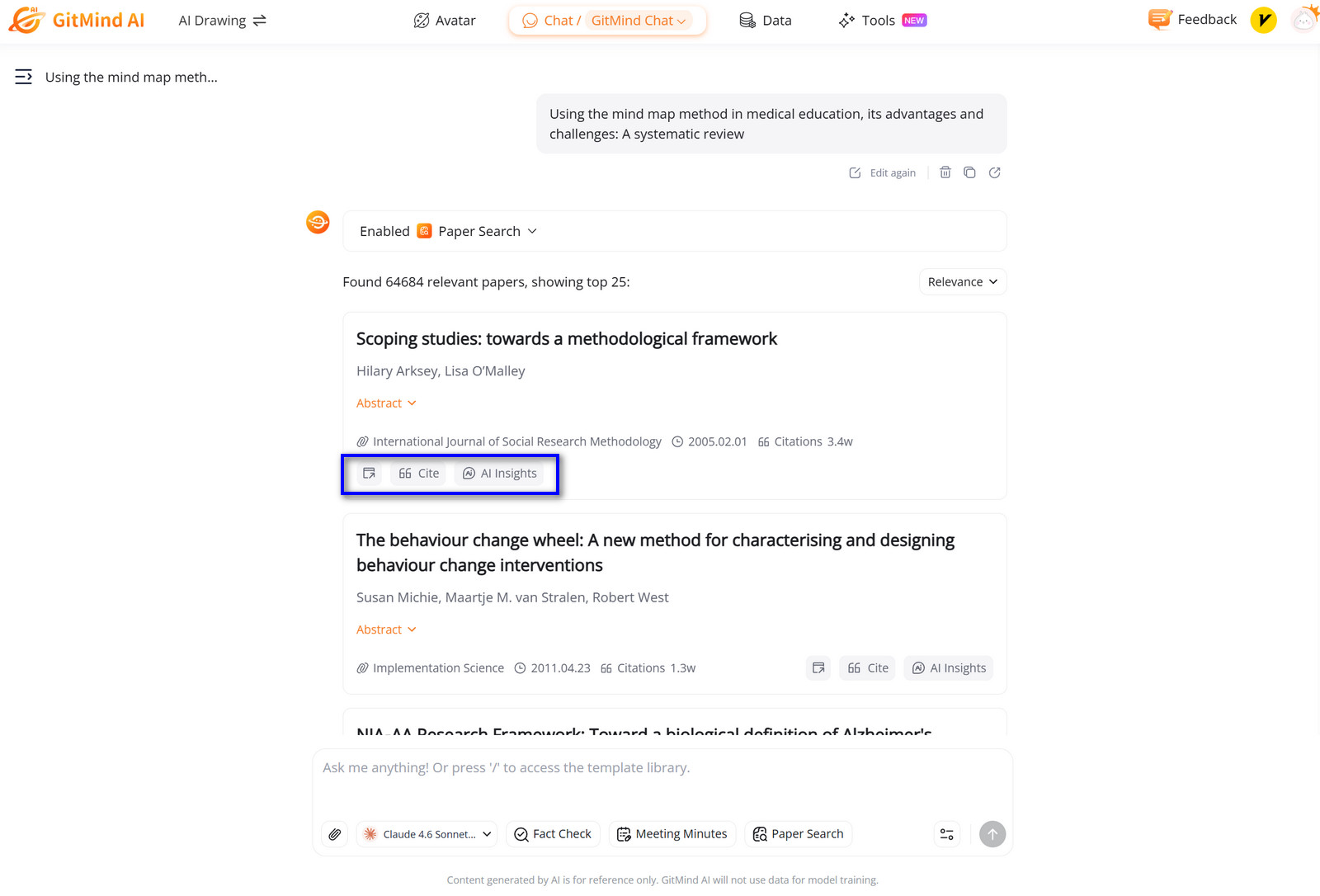
  • Once the AI returns results, you can view paper links, citation information, or ask the AI to summarize and analyze any selected paper in detail.
  • Review the results, which include paper titles, authors, abstracts, and key insights.
  • Use Cases for Paper Search

    Students: Quickly find academic references and supporting materials for essays, theses, or coursework.

    Researchers: Efficiently discover related studies, track academic trends, and explore citations in your field.

    Professionals: Access authoritative research to support product decisions, reports, or industry analysis.

    This concludes the tutorial for the Paper Search feature. Hope it helps!

    Rating:4.3 /5(based on 19 ratings)Thanks for your rating!
    Posted by: Sally on to GitMind AI 🪐. Last updated on April 15, 2026

    Leave a Comment

    Please input your name!
    Please input review content!

    Comment (0)

    Paper Search

    Back to top