The best PDF Drive alternative depends on the book. Use OpenStax for college textbooks you can download as PDFs, Project Gutenberg or Standard Ebooks for older literature, and Open Library or Libby when you can borrow through a library. A current bestseller usually calls for a library loan or purchase, not a public download link.
Searching a title across these services is more productive than treating every result as an interchangeable PDF. Their access models differ: some give you a lasting file, while a library loan has a return date and may stay inside an app.
PDF Drive alternatives at a glance
| Source | Best for | Typical access | Main limitation |
|---|---|---|---|
| OpenStax | College-level textbooks | Free online reading and PDF download | Focused on its own textbook catalog |
| Project Gutenberg | Classics and older works | Downloadable EPUB, HTML, and other listed formats | PDF is available for some books, not the default for every title |
| Standard Ebooks | Carefully formatted classics | Downloadable ebook editions, especially EPUB | Smaller collection; PDF is not its main format |
| Open Library | Discovering and borrowing library books | Online reading and eligible time-limited loans | Availability and formats vary by edition |
| Libby | Books from your local public library | Borrowing through a participating library | Requires an eligible library card; offline access stays tied to the loan |
The comparison is based on the services’ published access information, not a claim that every title is available in every format.
1. OpenStax: best for a downloadable textbook PDF
OpenStax publishes college textbooks across subjects such as science, mathematics, and the humanities. Its site says its titles are readable online and available as free PDF downloads. Open the subject catalog, choose the exact book and edition, then use the book page’s download option.
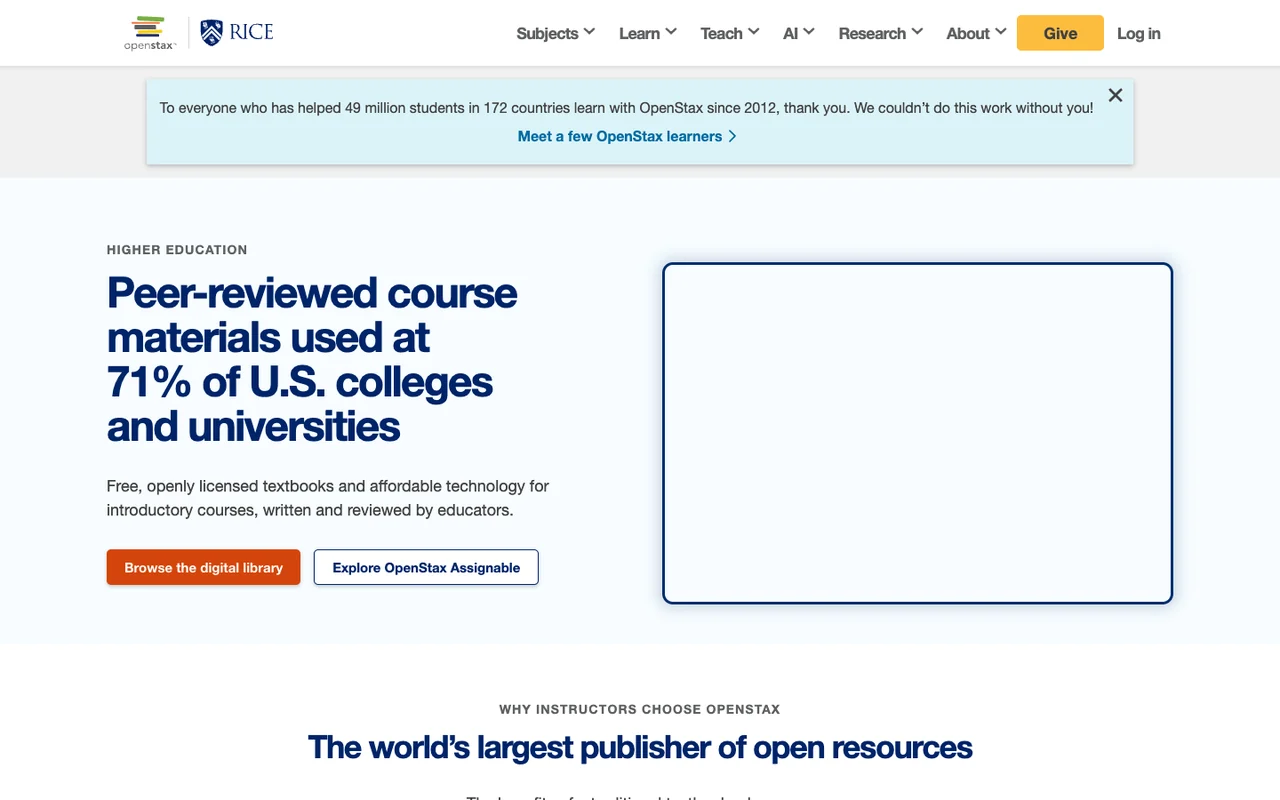
Screenshot: OpenStax higher education, captured November 24, 2026.
This is the clearest choice when you need a file you can keep for coursework. Check the edition before assigning page numbers or sharing a syllabus: an older edition of the same title may not match your course. OpenStax will not replace a general trade-book catalog, and a small number of titles may ask you to sign in.
2. Project Gutenberg: best for public-domain literature
Project Gutenberg is useful when you want to read a classic or an older work. Search by title and author, open the book’s catalog record, and choose a listed format. Its format guide explains that EPUB and browser-readable HTML are common, while PDF appears for some works.
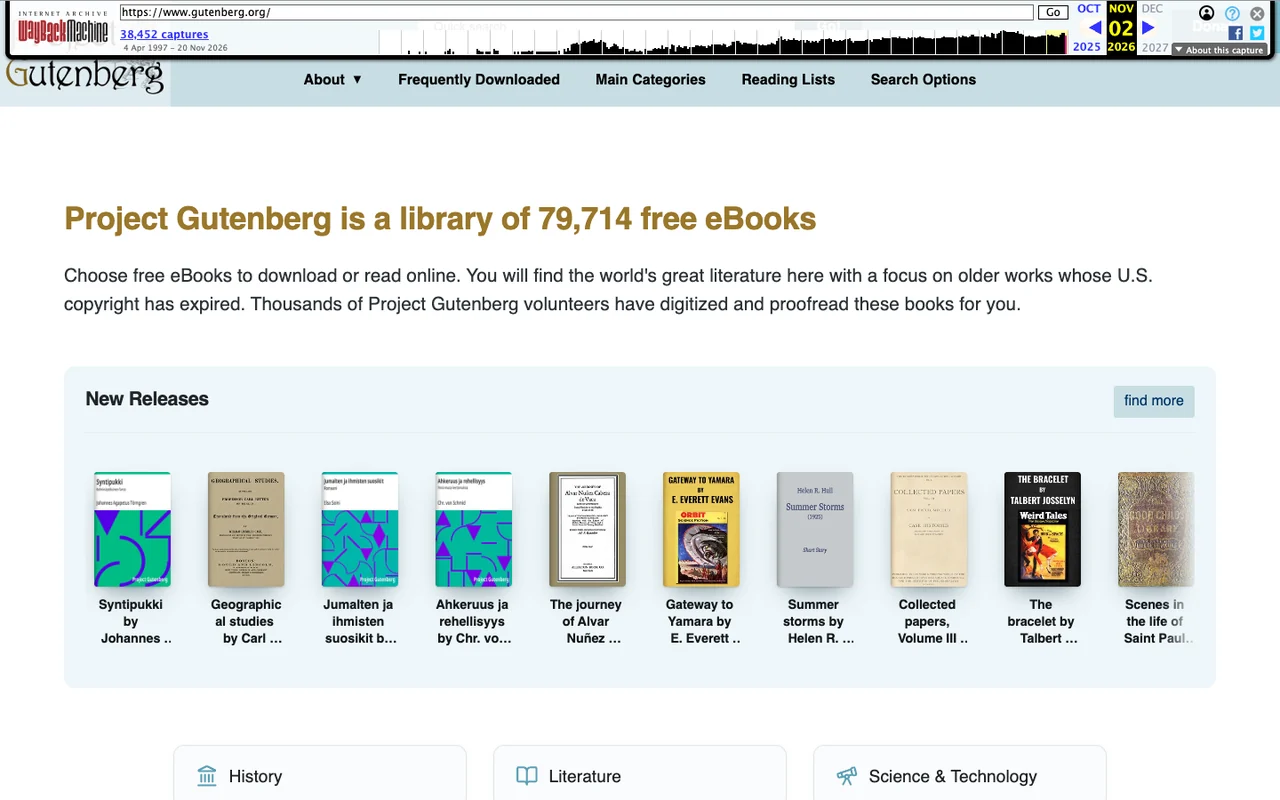
Archived screenshot: Project Gutenberg homepage on November 2, 2026. The layout may have changed.
If you need comfortable reading on a phone or e-reader, EPUB may be a better choice than a fixed-page PDF. If your assignment requires a particular translation, introduction, or page citation, check the edition carefully. Project Gutenberg’s copyright determinations are mainly for the United States; readers elsewhere should check their local rules and the book’s own notice.
3. Standard Ebooks: best for a polished classic ebook
Standard Ebooks produces carefully formatted editions of works it considers free of US copyright restrictions. Browse its catalog when presentation and readability matter more than getting a PDF specifically. Open a book page and choose the offered ebook format for your device.
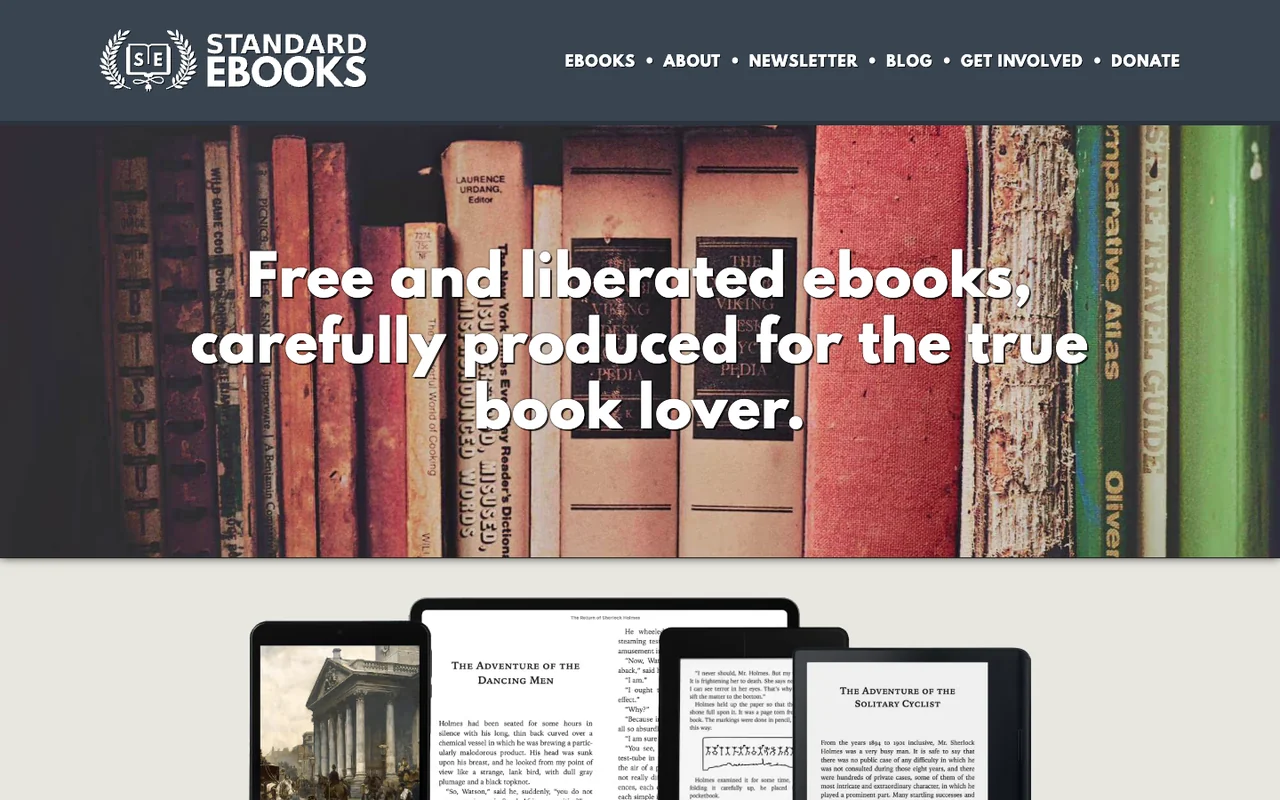
Screenshot: Standard Ebooks, captured November 24, 2026.
Its strength is a consistent reading edition; its limit is selection. If you need a course-specific edition, a modern title, or a PDF with fixed page numbers, look elsewhere first. Its project description also explains its US copyright basis, which may not settle rights in another country.
4. Open Library: best for searching and borrowing
Open Library is useful when the book is not available as an open download. Search the exact title or ISBN and look at the editions, since a catalog result does not guarantee that the edition you need can be borrowed. Open Library’s borrowing help describes browser reading and eligible PDF or EPUB loan formats.
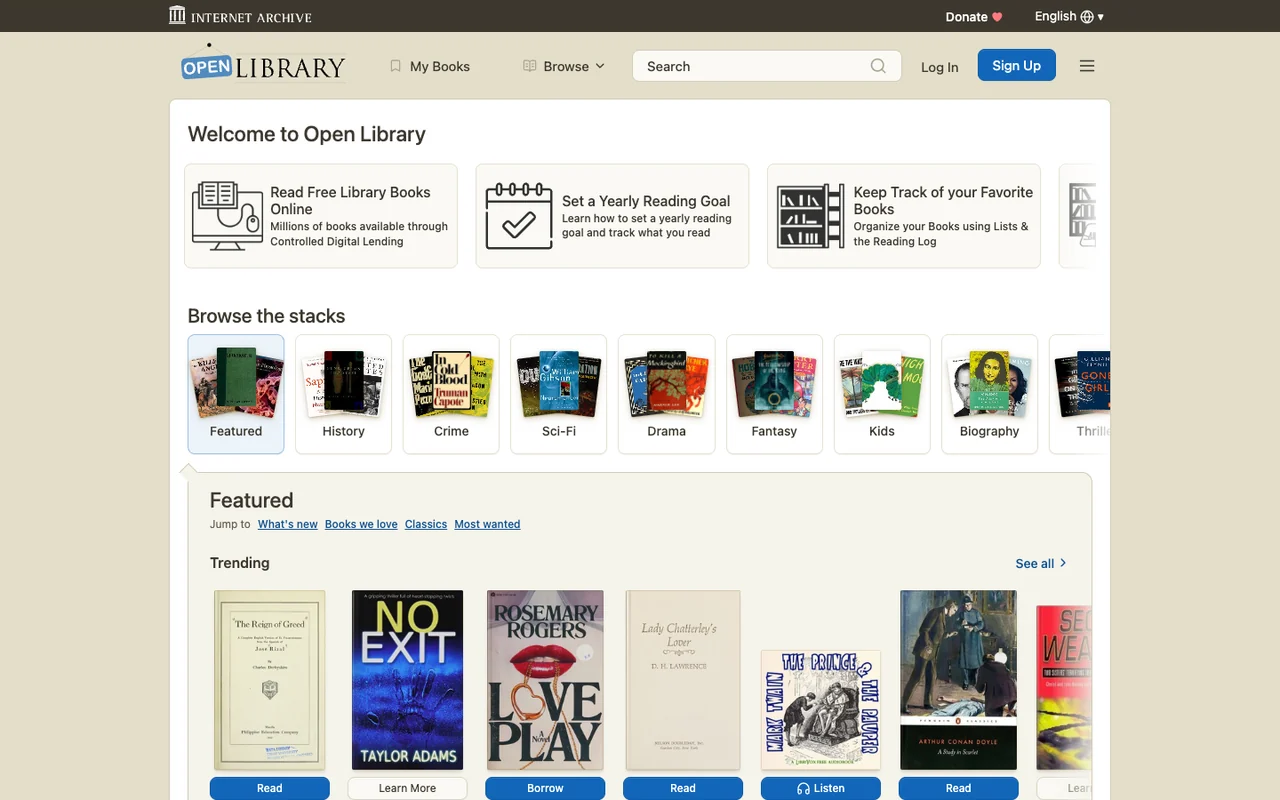
Screenshot: Open Library, captured November 24, 2026.
This is a loan, with the access conditions attached to that edition. If the book is unavailable, use a hold or try another participating library. Do not plan on keeping a borrowed file permanently after the loan ends.
5. Libby: best for your public library’s ebooks
Libby connects to participating public libraries. Add a valid library card, search the catalog, and borrow a title if your library has a copy available. Libby’s help center explains that books and magazines can be read through the app; its borrowing guide covers loan periods and offline use.
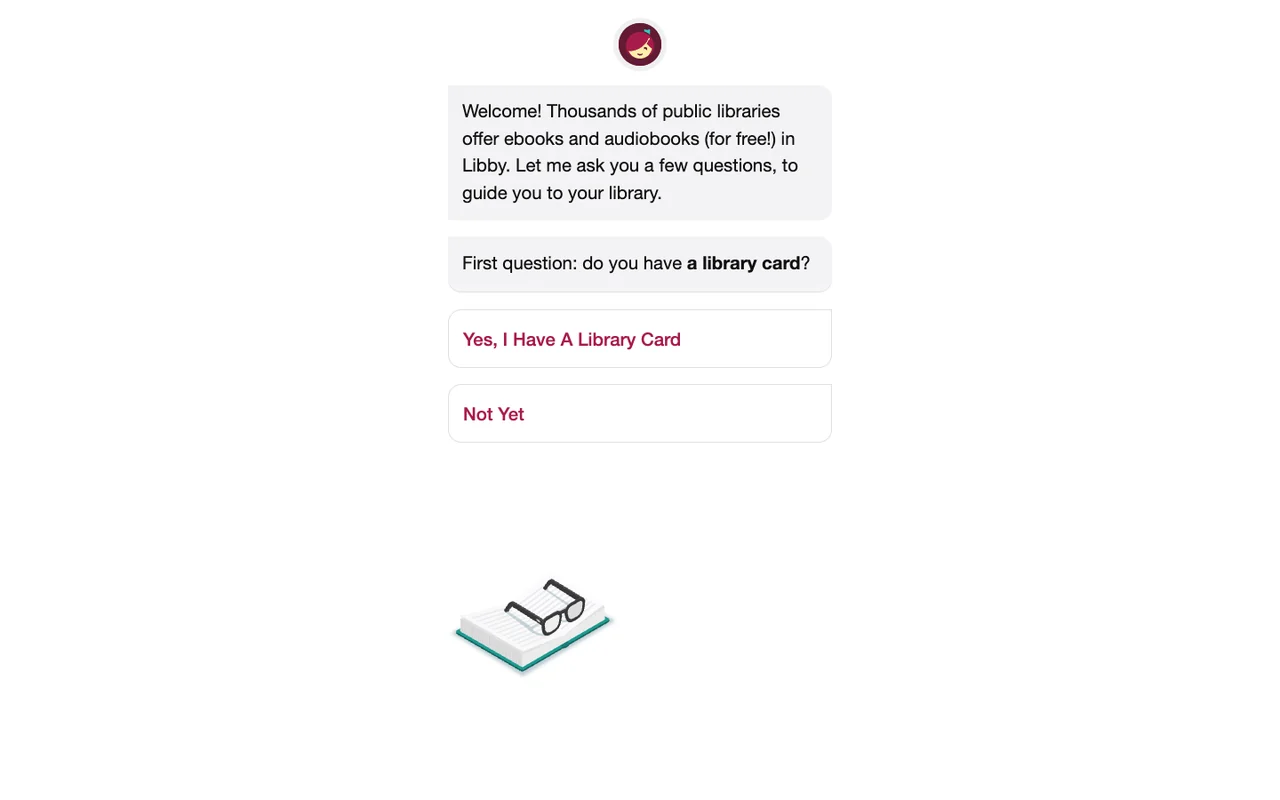
Screenshot: Libby welcome screen, captured November 24, 2026. Catalog results depend on the selected library.
Libby can be the right choice for a newer book you cannot legally download from an open catalog. Its collection depends on your library, and an offline loan is not the same as receiving an unrestricted PDF for permanent storage.
How to find a specific book without wasting time
- Copy the exact title, author, edition, and ISBN if available. A familiar title can refer to several translations or textbooks.
- For a textbook, search OpenStax first. For an older novel, search Project Gutenberg and Standard Ebooks.
- For a newer title, search your library through Libby and check Open Library’s edition record.
- Before downloading, read the format and access label. “Read,” “Borrow,” “EPUB,” and “PDF” describe different outcomes.
- If you need to cite the book, record the edition and page or chapter information from the version you actually used.
If you are using an authorized PDF or EPUB for study, GitMind’s file-to-mind-map tool can turn the document into an editable outline of topics and subtopics. Use the map to plan revision questions, then check important claims against the original pages. GitMind’s AI file tools use credits, so review the current plan details before uploading a large set of files.
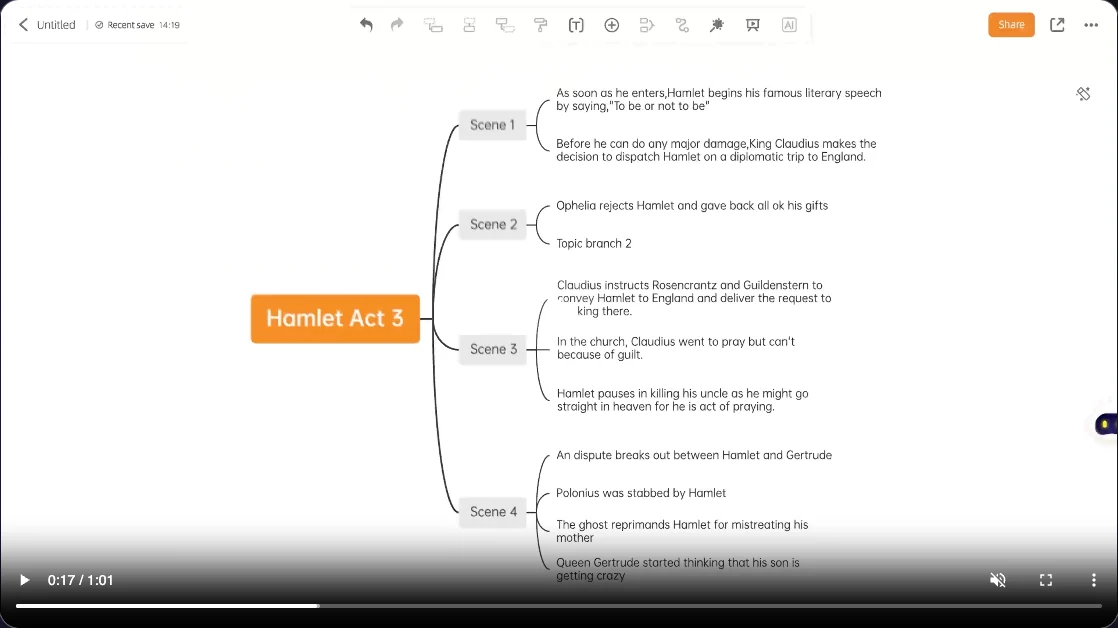
Still from the official GitMind document-to-mind-map demo, captured November 24, 2026.
The practical choice
For a permanent PDF textbook, start with OpenStax. For a classic to read on an e-reader, try Project Gutenberg or Standard Ebooks. For a newer book, use Open Library or your public library through Libby. Choosing by format and access rights gives you an answer you can actually use, rather than a long list of sites with uncertain downloads.
FAQ
Which PDF Drive alternative lets me keep a PDF file?
OpenStax provides downloadable PDFs of its textbooks. Project Gutenberg offers PDF for some titles, so check the individual record. Open Library and Libby may offer offline reading as part of a loan; that access ends under the library’s borrowing terms.
What if I need an exact edition for a class?
Search by ISBN as well as title and author. Confirm the edition on the catalog or publisher page before downloading or borrowing. A different edition may have changed chapter order, figures, and page numbers even when the main title matches.

Leave a Comment