
Your PC can hold years of photos, important documents, work files, passwords, and other personal information. That makes keeping it safe more important than ever.
A good antivirus program can help protect your computer from viruses, harmful downloads, fake websites, ransomware, and other online threats. But with so many options available, choosing the right one can be confusing.
To make things easier, we looked at five popular options that cover different needs, including everyday protection, gaming, free antivirus, and built-in Windows security.
Here are five options worth considering if you’re looking for the best virus protection for PC.
- What to Look for in Virus Protection
- 5 Best Virus Protection for PC
- Best Virus Protection for PC Compared
- What Is the Best Virus Protection for Gaming PC?
- What Is the Best Free Virus Protection for PC?
- Free vs. Paid Antivirus: Which One Do You Need?
- Do You Still Need Antivirus on Windows?
- How to Keep Your PC Safe Beyond Antivirus
- Frequently Asked Questions
What to Look for in Virus Protection
Before installing antivirus software, it helps to know what actually matters.
Protection Against Malware
The main job of antivirus software is to find and block harmful programs. This includes viruses, spyware, ransomware, and other types of malware.
Real-Time Protection
You don’t want to run a manual scan every time you download something. Real-time protection watches for threats while you use your computer and can warn you when something suspicious happens.
Good PC Performance
Security software runs in the background, so it shouldn’t make your computer feel noticeably slower.
This is especially important if you have an older PC or use your computer for gaming.
Web Protection
Many threats don’t arrive as traditional computer viruses. You can also run into dangerous websites, fake downloads, and phishing pages.
A good security tool can warn you before you interact with something potentially harmful.
Ransomware Protection
Ransomware can prevent you from accessing your files and demand payment to restore them. Some security programs include extra protection for important files.
Simple Controls
Security software shouldn’t be difficult to understand. Clear warnings and easy-to-find settings make it easier to know when your PC is protected.
5 Best Virus Protection for PC
Bitdefender Total Security
Best for: Bitdefender is worth considering if you want one security program to handle most of your everyday protection needs.
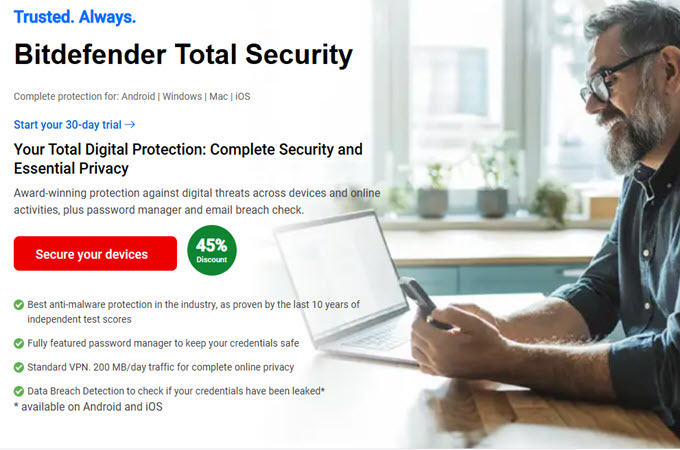
Bitdefender Total Security is a strong option for people who want broad protection without spending a lot of time adjusting settings.
It provides antivirus protection for Windows and includes tools designed to detect suspicious activity in real time. Bitdefender also includes additional security and PC optimization features.
Independent testing also puts Bitdefender among the products that performed strongly in recent tests. In AV-TEST’s June 2026 Windows 11 test, Bitdefender Total Security received full marks for protection, performance, and usability.
Why consider it?
- Strong protection against malware
- Real-time threat detection
- Additional security features
- Designed to work across several operating systems
- Good choice for everyday PC use
Norton 360
Best for: Norton 360 makes sense for people who want antivirus protection together with additional security features rather than a basic antivirus program alone.
Norton 360 offers several security plans, including products that combine antivirus protection with additional features.
Norton has also performed well in independent testing. In AV-TEST’s June 2026 Windows 11 test, Norton 360 received 6 out of 6 points for protection, performance, and usability.
AV-Comparatives’ February-May 2026 real-world protection test also included Norton among the products that reached its highest award level.
Depending on the plan, Norton can include features beyond basic malware protection, which may be useful for people who want several security tools in one subscription.
Why consider it?
- Strong malware protection
- Real-time protection
- Additional security features depending on the plan
- Options for protecting multiple devices
- Suitable for everyday users
Avast Free Antivirus
Best for: Avast Free Antivirus is worth looking at if you’re searching for the best free virus protection for PC and don’t need a large collection of extra features.
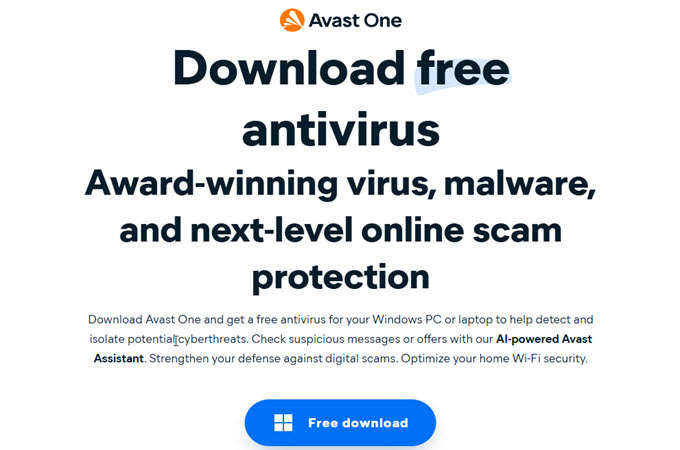
Avast Free Antivirus is one of the options to consider if you don’t want to pay for antivirus software.
It is also worth noting that “free” doesn’t automatically mean ineffective. In AV-TEST’s June 2026 Windows 11 testing, Avast Free Antivirus received full marks for protection, performance, and usability.
Avast was also among the products receiving the highest award level in AV-Comparatives’ February-May 2026 real-world protection test.
Why consider it?
- Free to use
- Protection against common threats
- Real-time security features
- Suitable for users who want basic protection without a subscription
ESET Internet Security
Best for: ESET is worth considering if you’re looking for the best virus protection for gaming PC and want security software that has a specific gaming mode.
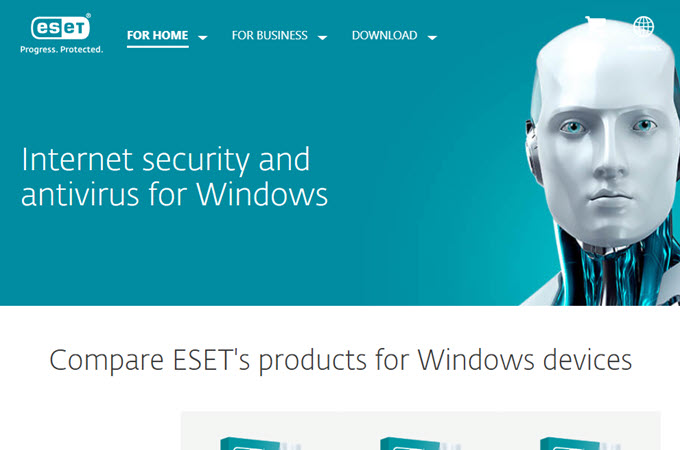
ESET Internet Security is another option for Windows users, especially people who care about keeping interruptions to a minimum.
One feature that makes ESET interesting for gamers is Gamer Mode. When a full-screen application is running, it can reduce notifications and postpone certain background tasks to minimize interruptions.
ESET also includes anti-phishing protection, webcam protection, and other security features for Windows users.
Why consider it?
- Protection against viruses and spyware
- Gamer Mode
- Fewer interruptions while gaming
- Anti-phishing protection
- Webcam protection
Microsoft Defender Antivirus
Best for: Microsoft Defender is a practical choice for Windows users who want basic antivirus protection without installing another security program.
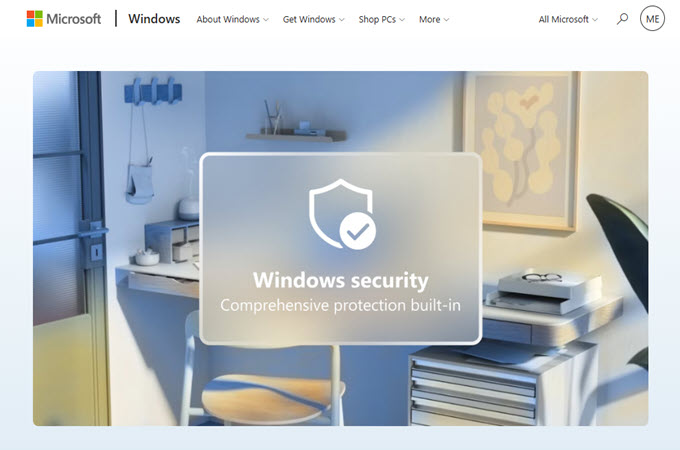
Microsoft Windows Security comes built into Windows 11, so you don’t have to download a separate antivirus program just to get basic protection.
Microsoft Defender Antivirus provides real-time protection and works together with other Windows security features, including Microsoft Defender SmartScreen and Windows Firewall.
It also performs well in independent testing. In AV-TEST’s June 2026 test, Microsoft Defender Antivirus received 6 out of 6 for protection and usability, with 5.5 out of 6 for performance.
AV-Comparatives also included Microsoft among the products that reached its highest award level in its February-May 2026 real-world protection test.
Why consider it?
- Already included with Windows 11
- No separate antivirus download required
- Real-time protection
- Protection against malicious websites and downloads
- Works with Windows Firewall and other Windows security features
Best Virus Protection for PC Compared
Here’s a quick look at the five options:
| Antivirus | Best For | Free Option | Gaming Features | Built Into Windows |
| Bitdefender Total Security | Overall protection | Limited/Trial | Yes | No |
| Norton 360 | Extra security features | Trial | Yes | No |
| Avast Free Antivirus | Free protection | Yes | Yes | No |
| ESET Internet Security | Gaming | Trial | Yes | No |
| Microsoft Defender | Built-in protection | Yes | Basic | Yes |
The table is meant as a starting point rather than a ranking. Your choice should depend on what you actually need from your PC security.
What Is the Best Virus Protection for Gaming PC?
Gamers have a slightly different concern when choosing antivirus software.
You don’t want security software constantly interrupting a game, using too many system resources, or starting a scan while you’re in the middle of a match.
Look for features such as:
- Gaming or silent mode
- Low background activity
- Automatic updates
- Web protection
- Protection against suspicious downloads
- Ransomware protection
- Minimal notifications while playing
ESET, for example, has a Gamer Mode that can reduce notifications and postpone certain scheduled tasks while full-screen applications are running.
That doesn’t mean gamers should turn antivirus protection off. Modern games, mods, launchers, and third-party downloads can all become potential ways for malicious software to reach a PC.
What Is the Best Free Virus Protection for PC?
If you’re trying to avoid another monthly or yearly subscription, you have several choices.
Microsoft Defender is already included with Windows 11 and provides real-time antivirus protection.
Avast Free Antivirus is another option and received full marks in AV-TEST’s June 2026 Windows 11 test.
The important thing is to look beyond the word “free.” Check what protection is actually included, whether real-time protection is available, and whether important features are locked behind a paid plan.
Free vs. Paid Antivirus: Which One Do You Need?
Free Antivirus
Free antivirus can be enough for someone who mainly browses the web, checks email, watches videos, and downloads files from trusted sources.
The biggest advantage is simple: you don’t have to pay for basic protection.
The downside is that free plans may not include features such as advanced privacy tools, identity protection, password managers, or coverage for several devices.
Paid Antivirus
Paid security software can offer more features in one package.
This may include:
- More web protection
- Ransomware protection
- Privacy tools
- Password managers
- Protection for multiple devices
- Parental controls
- Identity monitoring
However, paying for more features doesn’t automatically mean you need them. If you only need basic protection, a simpler option may be enough.
Do You Still Need Antivirus on Windows?
For many Windows users, the answer isn’t necessarily “yes, install another antivirus.”
Windows 11 already includes Microsoft Defender Antivirus, Windows Firewall, and other security features. Microsoft says Defender provides always-on, real-time protection and is included with Windows 11.
Independent testing also shows that built-in Microsoft Defender can perform strongly. AV-TEST gave it 6 out of 6 for protection and usability in its June 2026 Windows 11 test.
You may want another security program if you need features that Windows doesn’t provide on its own or if a particular antivirus better fits how you use your computer.
Also, avoid running multiple full antivirus programs at the same time. Microsoft notes that when another antivirus program is installed and active, Microsoft Defender Antivirus automatically switches off.
How to Keep Your PC Safe Beyond Antivirus
Antivirus software is only one part of keeping your computer safe.
A few simple habits can make a big difference.
1. Keep Windows Updated
Install Windows and application updates when they become available. Updates often fix security problems.
2. Download Software From Trusted Sources
Be careful with random download websites, unofficial installers, and pirated programs.
3. Think Before Clicking Links
A message that looks like it came from your bank, email provider, or another familiar service could still be fake.
4. Use Strong Passwords
Don’t reuse the same password for every account. A password manager can make this easier.
5. Turn On Two-Step Login
When available, two-factor authentication adds another layer of protection to your accounts.
6. Back Up Important Files
If something goes wrong, a backup can help you recover important photos, documents, and other files.
7. Be Careful With Game Mods and Downloads
Gamers should be especially careful with unofficial game files, cheats, cracks, and mods from unknown websites.
8. Don’t Ignore Security Warnings
If your PC says a file or website could be dangerous, don’t immediately dismiss the warning.
Frequently Asked Questions
What is the best virus protection for PC?
The right choice depends on your needs. Bitdefender, Norton, Avast, ESET, and Microsoft Defender are five options worth considering. Independent tests in 2026 show strong results across several of these products, but features, price, and PC performance can differ.
What is the best rated virus protection for PC?
There isn’t one universal “best rated” antivirus because testing organizations use different methods. AV-TEST and AV-Comparatives are useful places to compare recent results rather than relying only on a single review or rating.
What is the best virus protection for gaming PC?
Gamers should look for strong protection with minimal interruptions. ESET Internet Security is one option to consider because its Gamer Mode can reduce notifications and postpone certain tasks during full-screen use.
What is the best free virus protection for PC?
Microsoft Defender is already included with Windows 11, while Avast Free Antivirus is another free option. Both have performed well in recent independent testing.
Does Windows already have virus protection?
Yes. Windows 11 includes Microsoft Defender Antivirus as part of Windows Security. It provides real-time protection against viruses and other malware.
Conclusion
Finding the best virus protection for PC doesn’t have to be complicated.
If you want a full security package, Bitdefender Total Security and Norton 360 are worth considering. If you’re looking for a free option, Avast Free Antivirus and Microsoft Defender are two choices to look at. For gamers, ESET Internet Security has features specifically designed to reduce interruptions while playing.
The most important thing is to choose protection that matches the way you use your computer. Keep your software updated, be careful with downloads and links, and back up important files.
Good PC security isn’t just about installing antivirus software. It’s also about building a few safe habits that protect your computer every day.

Leave a Comment