A digital vision board is one of the most powerful ways to visualize your goals, stay motivated, and gain clarity about what you want to achieve. Whether you’re planning your 2025–2026 goals or building long-term habits, using the right tool can make the process easier, more engaging, and more effective.
In this guide, we compare the 10 best platforms and tools to create a digital vision board, including their features, pros, cons, and ideal use cases.
Perfect for students, professionals, creatives, and anyone who wants to turn dreams into actionable plans.
What Is a Digital Vision Board and Why Use One?
A digital vision board is a visual representation of your goals, dreams, habits, and desired lifestyle. Instead of cutting magazine photos and gluing them to a poster, you create your board online using images, text, quotes, colors, and layouts.
Why people love digital vision boards (2026 trends):
- Easy to update as your goals evolve
- Accessible on any device (phone, laptop, tablet)
- Better integration with goal tracking tools
- Perfect for long-term planning (career, fitness, finances, travel)
- More aesthetic and customizable
- Great for visualization and daily motivation
Top 10 Tools to Create a Digital Vision Board in 2026
1. GitMind — Best for visual, editable, and collaborative digital vision boards
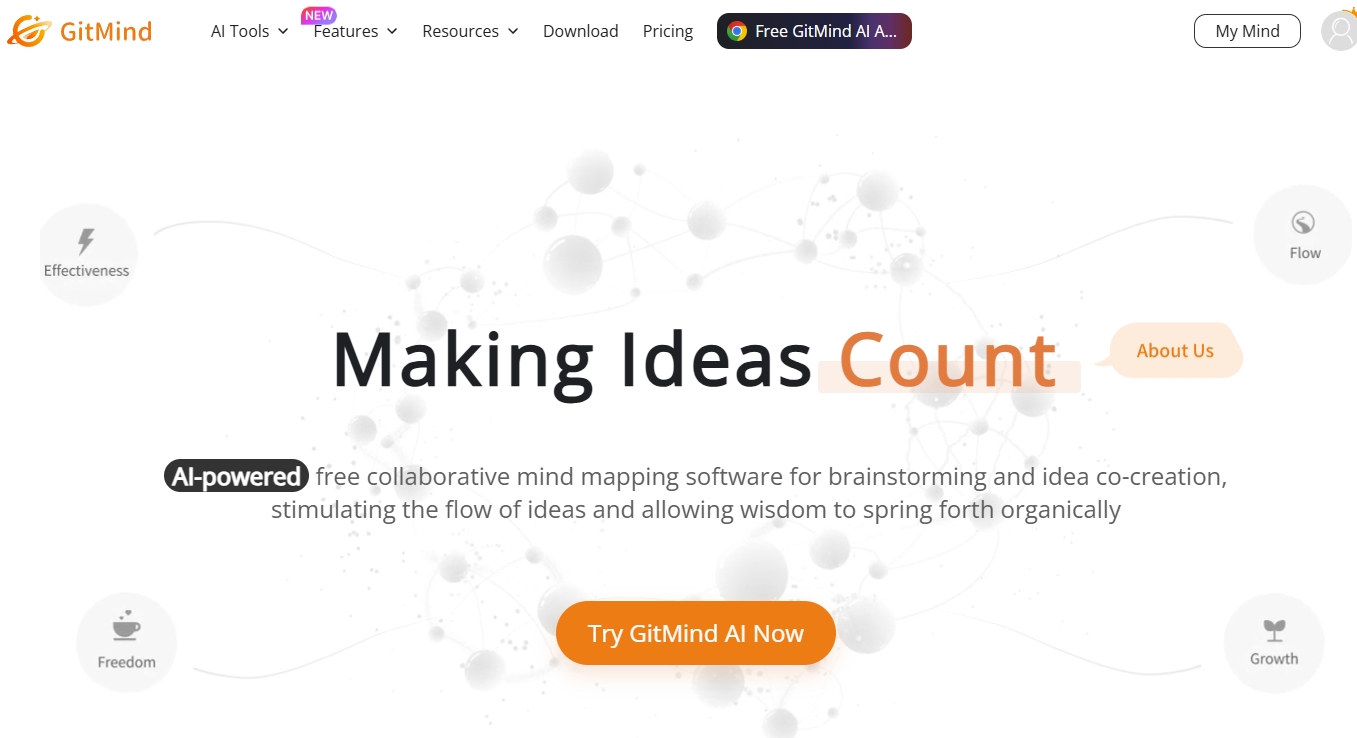
GitMind is one of the most versatile tools for creating a digital vision board because it combines the freedom of an online whiteboard with the structure of mind maps and templates. You can start with a blank canvas or choose from pre-designed layouts, then add images, quotes, goals, stickers, frames, shapes, and color palettes. The infinite canvas lets you zoom out to see your overall life vision or zoom in to break down specific goals into actionable plans.
GitMind also supports drag-and-drop uploads, letting you import inspiration from Pinterest, Google Images, or your own photos. The collaboration feature is perfect for couples, friends, or coaching sessions. You can use frames to divide your board into sections like “Career,” “Lifestyle,” “Travel,” “Health,” or “Finances.”
If your 2026 goals involve systems, planning, or habit tracking, GitMind makes it easy to visually connect everything.
Best feature: combines inspiration + structure
Perfect for: long-term goal planning, creative boards, teamwork
Learn how to create a vision board using the whiteboard feature here: https://gitmind.com/faq/whiteboard-tutorial.html
2. Canva — Best for aesthetic, printable vision boards
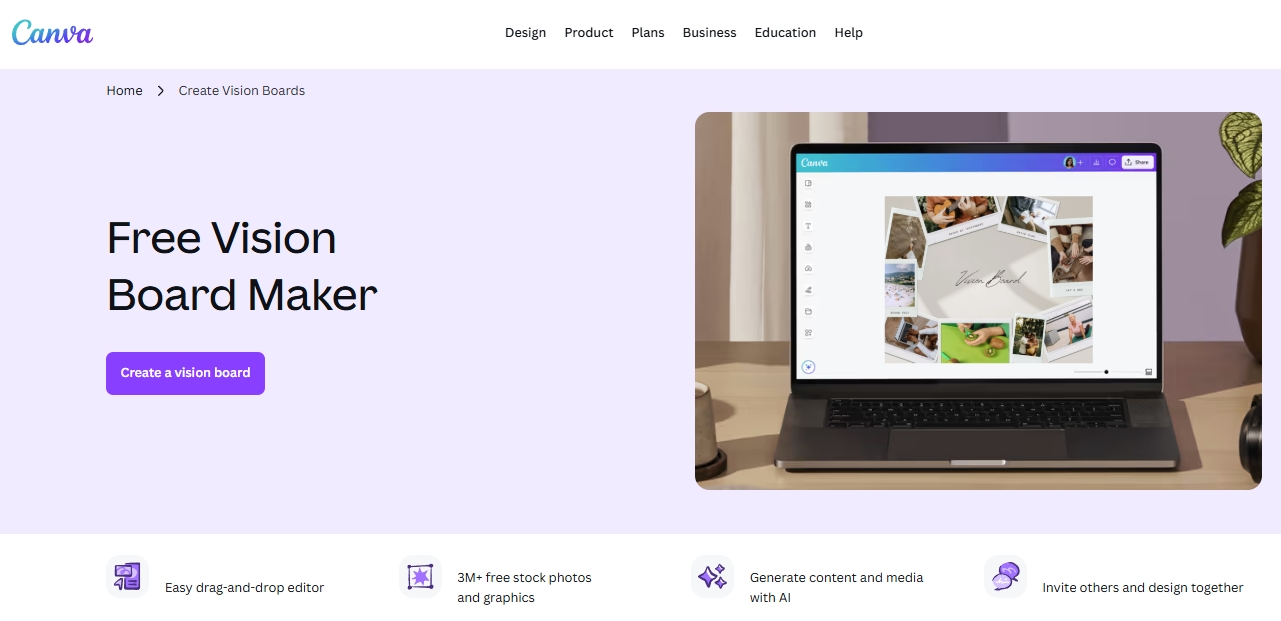
Canva is ideal for users who want an aesthetic, polished, and highly designed vision board without needing graphic design skills. It offers thousands of vision board, moodboard, poster, and collage templates, all customizable with images, text, icons, stickers, and color themes. Canva’s drag-and-drop editor makes it one of the easiest platforms for visual design.
Its built-in photo library (with millions of images) helps you quickly assemble a board that matches your desired lifestyle or aesthetic style such as “clean girl,” “minimalist,” “luxury,” “travel,” or “wellness.” Canva also supports exporting your board as HD images or printable PDFs, allowing you to print and display it in your workspace.
For those who want consistency across devices, Canva syncs perfectly between mobile, web, and tablet.
Best feature: stunning, trendy templates
Perfect for: aesthetic boards, printing, social sharing
3. Milanote — Best for creative, moodboard-style vision boards
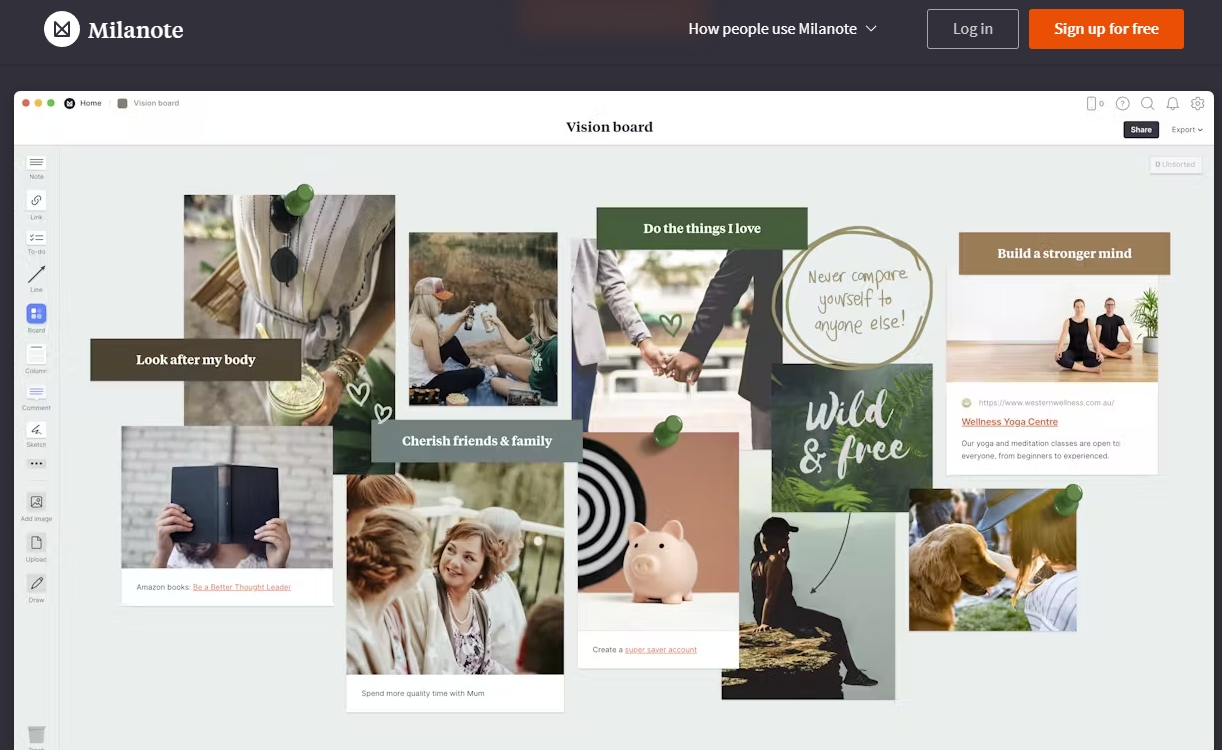
Milanote is beloved by designers, creatives, and planners because it offers a beautiful, minimalist visual workspace that feels like a real pinboard. Instead of rigid templates, Milanote gives you a free-form drag-and-drop canvas, perfect for vision boards based on emotions, style, or creative direction.
You can add images, notes, links, color palettes, quotes, checklists, and even GIFs. The grid-free layout allows you to place elements exactly where you want, giving your board a natural flow. It’s especially useful for lifestyle planning, branding inspiration, interior design moodboards, or travel dreams.
Milanote includes browser clipping tools so you can save images directly from the web. It’s also great for early creative exploration before moving to a more structured tool.
Best feature: moodboard aesthetics with total layout freedom
Perfect for: designers, creatives, visual thinkers
4. Miro — Best for team-oriented and structured vision boards
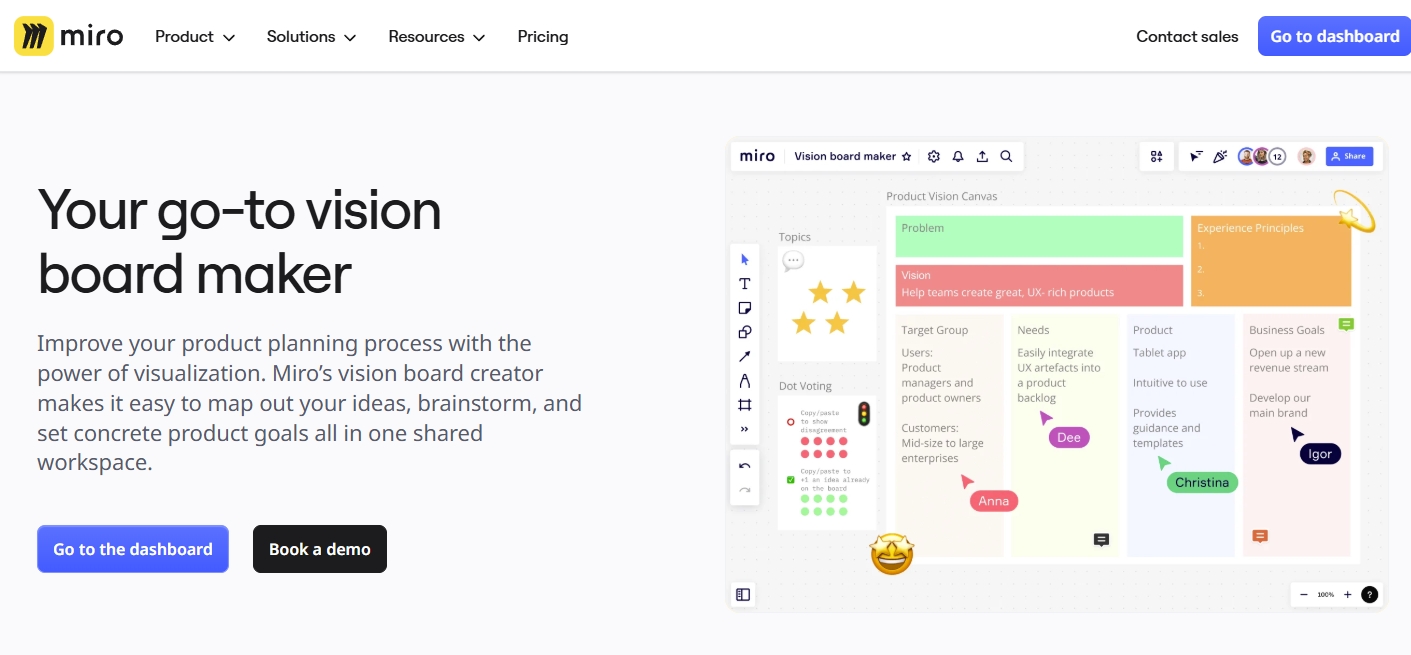
Miro is an enterprise-level online whiteboard, but it has become increasingly popular for personal planning because of its unlimited canvas, templates, and powerful organizational tools. If you want a highly structured, logical digital vision board—perhaps one that includes timelines, action plans, quarterly goals, and habit trackers—Miro is perfect.
You can divide your board into sections, embed videos, import files, insert sticky notes, or create flowcharts. Its real-time collaboration is ideal for couples planning their life vision, team vision workshops, or coaching clients. Miro integrates with tools like Google Drive, Notion, and Slack, which helps keep your goals connected across platforms.
You can even build a multi-layer vision board:
- Layer 1: Vision
- Layer 2: Yearly goals
- Layer 3: Monthly roadmap
- Layer 4: Weekly habits
Best feature: extremely scalable and collaborative
Perfect for: teams, couples, structured thinkers
5. Pinterest — Best for collecting inspiration for your vision board
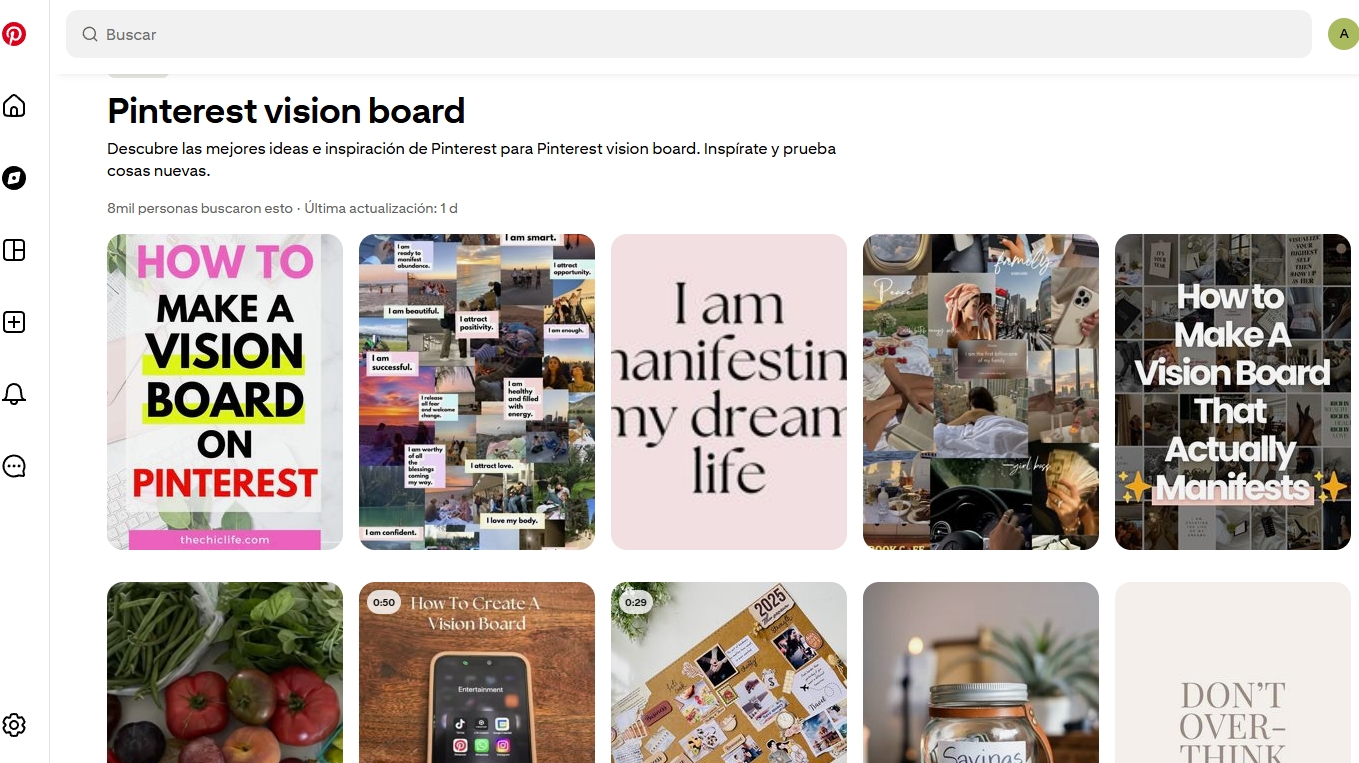
Pinterest is not a creation tool, but it is the world’s best platform for collecting inspiration for your digital vision board. Whether you’re looking for fitness motivation, wealth symbols, home décor, travel destinations, or lifestyle aesthetics, Pinterest offers millions of high-quality images.
You can create Pinterest Boards to organize ideas before building your final vision board in Canva, GitMind, or Miro. The search algorithm is designed for visual discovery, so typing “vision board 2026 aesthetic” will show thousands of ready-made ideas, templates, and goal themes.
Pinterest also helps you discover new interests and refine your sense of what you want your life to look like—something essential to the vision board process.
Best feature: endless source of beautiful inspiration
Perfect for: idea gathering and visual exploration
6. Notion — Best for combining vision board + planning + tracking
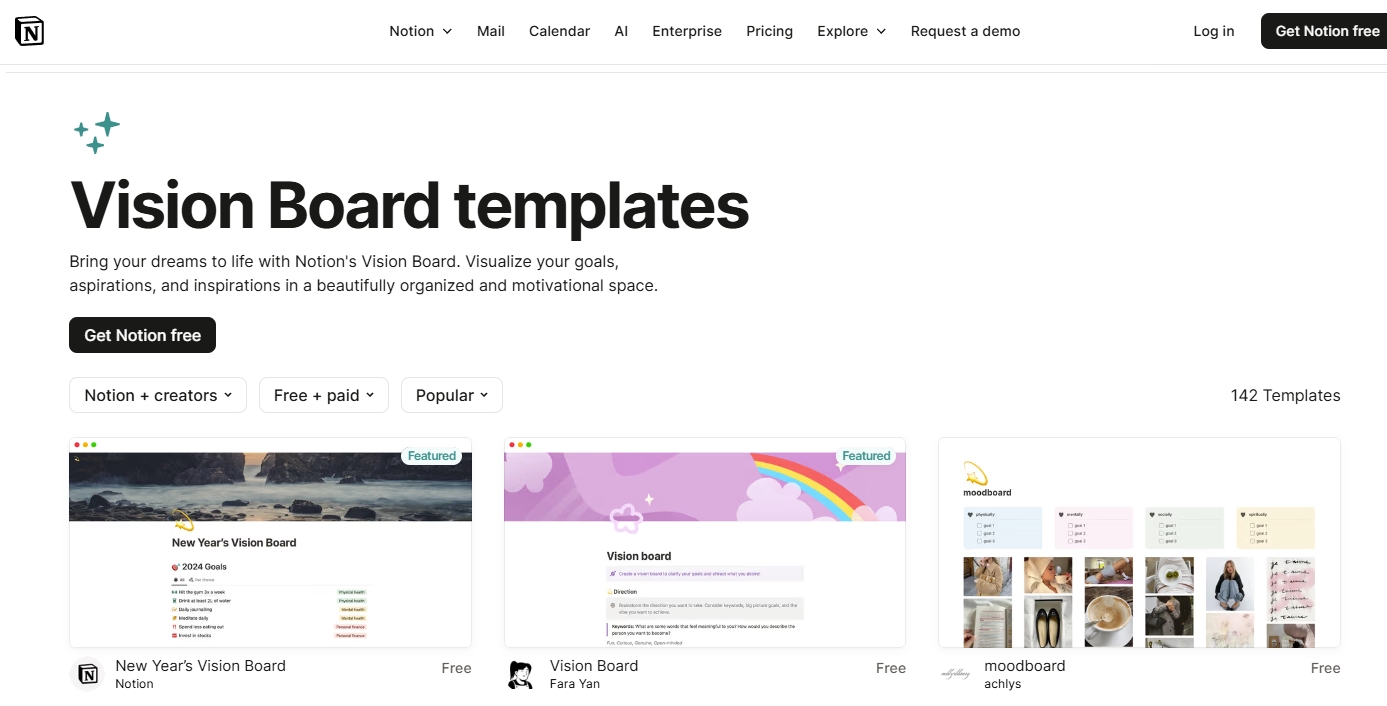
Notion is a highly customizable workspace that allows you to create a vision board page, embed images, add goal descriptions, link databases, and track progress all in one place. You can organize your goals into galleries, lists, or Kanban boards, and attach detailed plans beneath each vision item.
A typical Notion vision board setup might include:
- A gallery of images representing your goals
- A yearly goals database
- A habits tracker
- A calendar with milestones
- Reflection journal entries
This makes Notion one of the best options for users who want more than just inspiration—they also want execution, accountability, and structure.
Best feature: vision + planning + tracking in one system
Perfect for: productivity lovers, students, planners
7. Desygner — Best for simple, beginner-friendly vision board creation
Desygner is an easy-to-use design tool perfect for beginners who want a simple yet visually appealing digital vision board. It features clean templates, easy image uploads, simple color controls, and mobile-friendly editing.
Unlike Canva, Desygner focuses more on simplicity and speed—ideal for someone who wants a board done quickly without navigating too many design options. It also supports PDF and JPG exports, making printing easy.
Desygner’s interface is also lightweight, making it ideal for users with older devices or slow internet.
Best feature: clean, simple, beginner-friendly tools
Perfect for: quick and easy digital vision boards
8. PicMonkey — Best for photo-based collage vision boards
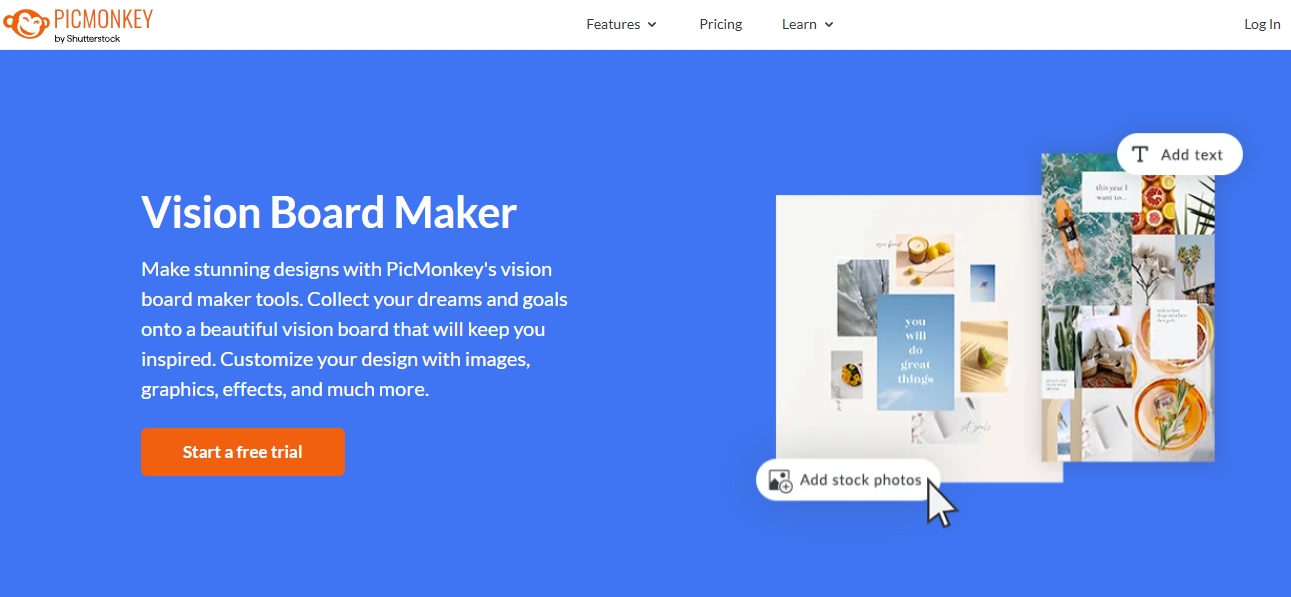
PicMonkey is a powerful photo editor and collage creator, ideal for users who want their vision board to feel personal and photography-focused. It allows for image retouching, filters, textures, frames, text effects, and high-quality collage layouts.
It’s especially popular for fitness, beauty, fashion, and lifestyle vision boards where photos are the main focus. You can also blend images, overlay inspirational quotes, and create custom layouts.
Because it focuses on photo aesthetics, PicMonkey is great for users who want a board that looks like a professional magazine spread.
Best feature: robust photo editing and stylish collages
Perfect for: photography-heavy and aesthetic boards
9. Visuapp — Best mobile app for daily visualization
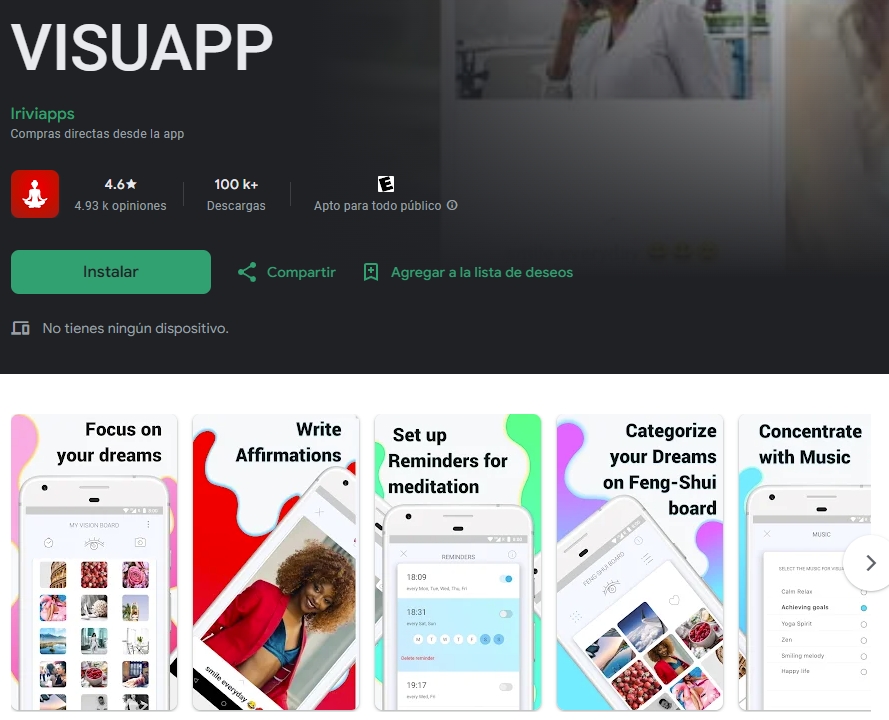
Visuapp is designed specifically for vision boards and manifestation on mobile devices. The app lets you create multiple boards, add affirmations, choose background music, and even activate a “daily visualization session” that plays your board like a slideshow.
It’s ideal for users who want their goals in their pocket and need daily reminders. You can set morning or evening alerts to check your board, which helps reinforce habit loops and manifestation practices.
Although it offers fewer design options, its focus on daily psychology makes it powerful for motivation.
Best feature: affirmation-based daily visualization
Perfect for: users who want daily manifesting routines
10. Pippit — Best for quick and simple online vision boards
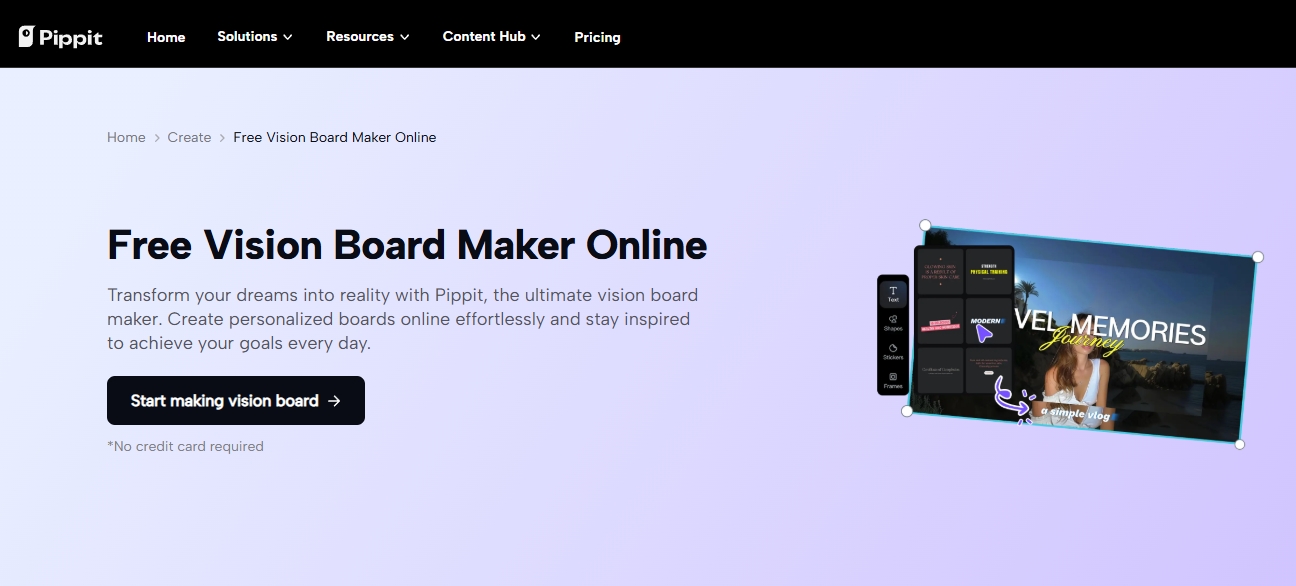
Pippit is one of the simplest online tools for creating a digital vision board. It offers straightforward templates where you can drag and drop images, text, icons, shapes, and backgrounds. It’s great for beginners or anyone who finds other design tools overwhelming.
You can create boards such as:
- Life Goals Board
- 2026 Vision Board
- Travel Dreams Board
- Fitness Motivation Board
- Mood & Aesthetic Board
Its lightweight interface also works well on mobile browsers.
Best feature: ultra-simple, fast creation
Perfect for: beginners or quick projects
How to Choose the Best Vision Board Tool
Use this quick guide based on your goals:
- For aesthetics: Canva, PicMonkey, Desygner
- For creativity/moodboards: Milanote, Pinterest
- For planning + clarity: GitMind, Notion
- For teamwork: Miro
- For mobile users: Visuapp
- For beginners: Pippit
Tips for Creating an Effective Digital Vision Board
- Define your goal categories (career, health, money, relationships, travel).
- Use images that evoke emotion, not just beautiful visuals.
- Include affirmations and power words that resonate with you.
- Review your board weekly and adjust goals as you grow.
- Choose a platform you can easily update, like GitMind or Notion.
- Place your vision board somewhere you’ll see every day (desktop wallpaper, phone, or bookmarked page).
Conclusion
A digital vision board is more than a collage — it’s a powerful tool for self-growth. Whether you want something aesthetic, functional, collaborative, or mobile-friendly, this list of tools offers something for every type of goal-setter.

Leave a Comment