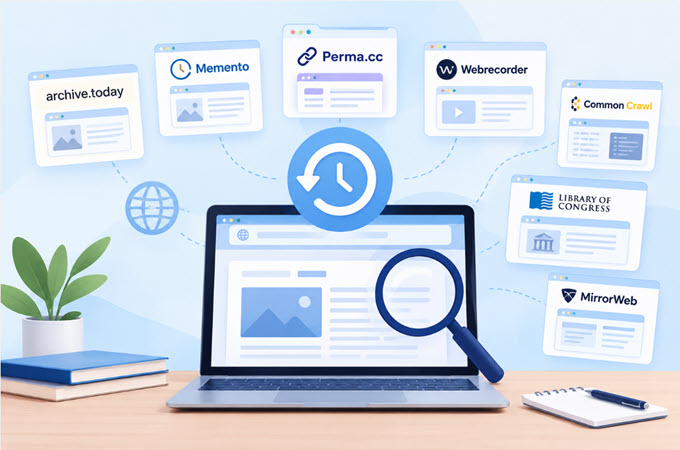
A webpage can change or disappear without warning. Maybe an old article was updated, a product page was removed, or a website was redesigned. When that happens, an archived copy can be useful.
The Wayback Machine is one of the most familiar tools for finding older versions of websites. However, it does not have a copy of every page on the internet. Some pages may be missing, while others may only have incomplete snapshots.
That is why it can be helpful to know more than one wayback machine alternative. Different archive services collect different pages and offer different ways to save or view older content.
In this guide, we’ll look at seven options and explain what each one is useful for.
- Why Look for a Wayback Machine Alternative?
- Quick Comparison of Wayback Machine Alternatives
- How to Choose the Right Alternative
- Tips for Organizing Information From Archived Pages
- Why You Should Check More Than One Archive
- Common Problems With Web Archives
- FAQ
Why Look for a Wayback Machine Alternative?
There are several reasons you might need another web archive.
For example, you may search for an old webpage and find nothing. In other cases, the page exists in an archive, but some images, videos, or other parts no longer work.
You may also want to save a webpage yourself before it changes. Students, researchers, journalists, and SEO professionals often need to keep a record of online information for later use.
Using more than one archive gives you another place to look. One service may have a copy that another does not.
Here are seven wayback machine alternatives worth checking.
1. Archive.today
Best for: Saving a webpage quickly
Archive.today is a simple option when you want to create a snapshot of a webpage. Instead of waiting for an archive to discover a page on its own, you can submit the page you want to save.
It keeps a copy of the webpage that you can return to later. This can be useful when dealing with content that may not stay online for long.
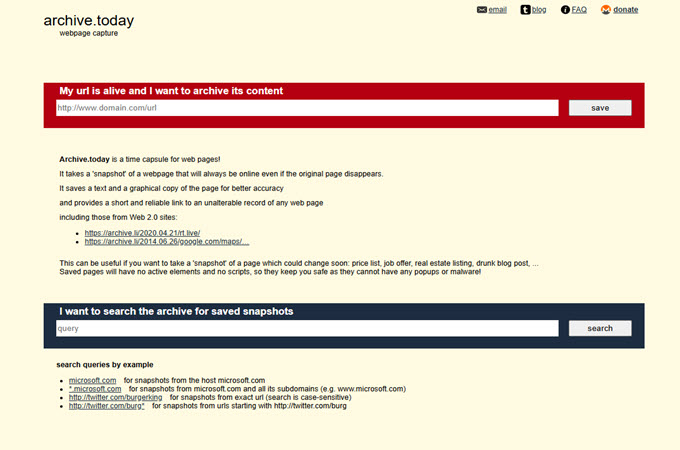
Key features
- Quick webpage snapshots
- Saves text and images
- Provides an archived link
- Easy to use
Good for
Archive.today can be useful for saving news stories, product pages, social media posts, and other online content.
It can also be helpful for SEO research when you want to compare an older page with its current version.
2. Memento Time Travel
Best for: Looking through multiple web archives
Sometimes the problem isn’t that a webpage was never archived. It may simply be stored somewhere other than the archive you checked.
Memento Time Travel takes a different approach. It helps users look for archived versions across different web archives.
This can save time when you’re trying to find an older version of a page and don’t want to check several services one by one.
Key features
- Searches different web archives
- Helps locate older versions of webpages
- Useful for historical research
- Gives you another place to check when a page is missing
Good for
Memento can be useful when you’re researching an older website or trying to find a snapshot that isn’t available through the Wayback Machine.
3. Perma.cc
Best for: Academic and legal research
Perma.cc was created with citations and long-term references in mind.
When you use a webpage as a source for a paper or other research, there is always a chance that the page will later change or disappear. A saved copy can help preserve what you originally referenced.
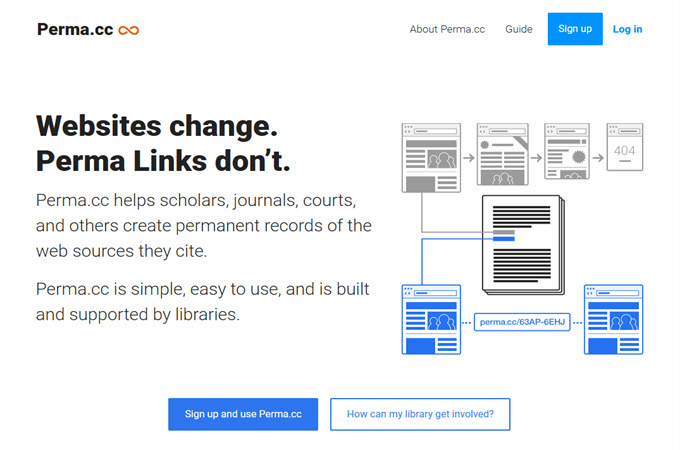
Key features
- Creates permanent links to saved pages
- Designed for research and citations
- Useful for academic and legal work
- Helps preserve online sources
Good for
Perma.cc is worth considering when you need to keep a reliable reference to an online source for a research paper, report, or other formal work.
Its purpose is a little different from simply browsing old versions of websites, so it may not be the right fit for every archive search.
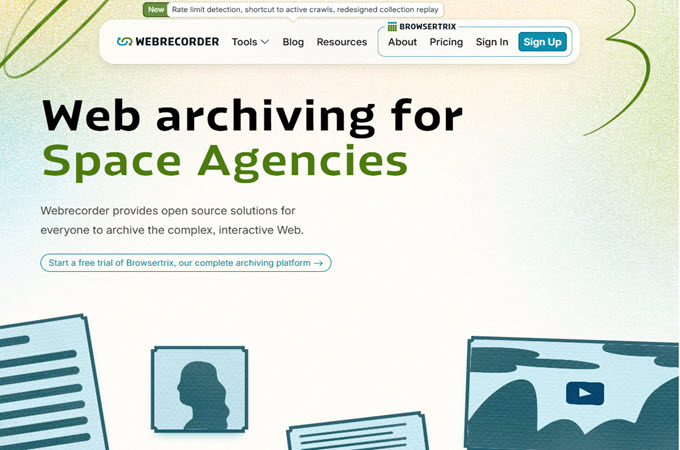
4. Webrecorder
Best for: Interactive websites
Not every website is a simple page made up of text and pictures. Modern websites can include menus, animations, videos, and other interactive features.
Webrecorder focuses on preserving web content in a way that can keep more of the original experience.
Key features
- Designed for interactive webpages
- Supports detailed webpage captures
- Useful for preserving digital projects
- Helpful for research
Good for
Webrecorder can be useful when a basic webpage snapshot isn’t enough. Researchers who need to study how an interactive website worked may find this approach helpful.
It can take a little more time to understand than a basic archive search, though.
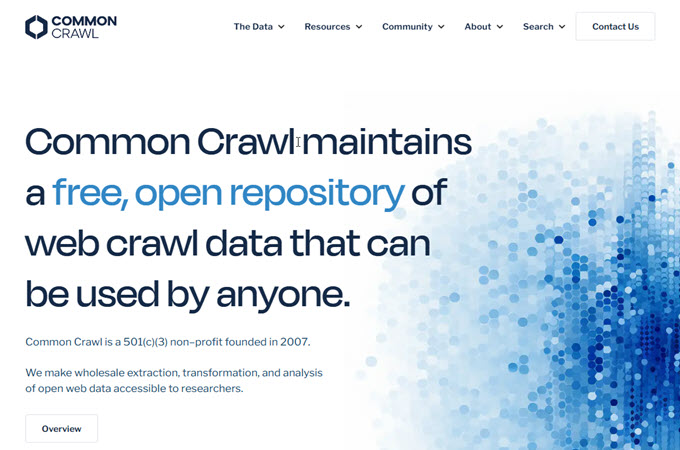
5. Common Crawl
Best for: Large-scale web research
Common Crawl works differently from many of the other options on this list. Instead of being mainly a website where you browse old pages, it provides large collections of web data.
Researchers and developers can use this data to study websites and online content at a much larger scale.
Key features
- Large collections of web data
- Useful for research and data projects
- Can be used to study online content
- Free access to its crawl data
Good for
Common Crawl is more suitable for people who need to work with a large amount of web information rather than someone who simply wants to look up one old webpage.
If you’re doing data research or studying websites at scale, it can be a useful resource.
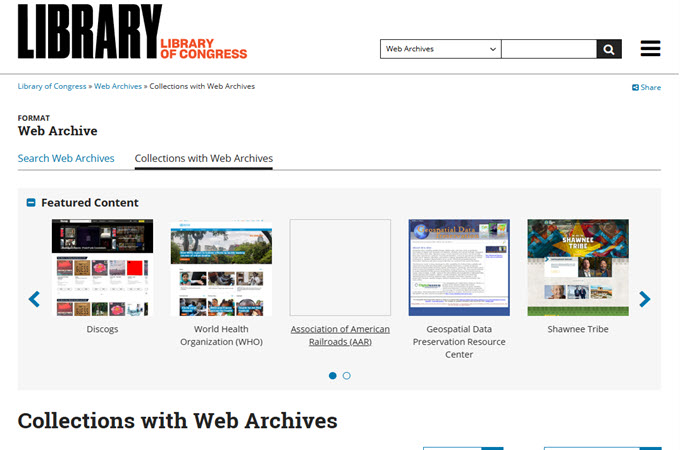
6. Library of Congress Web Archives
Best for: Historical research
The Library of Congress maintains web archives covering selected websites and online material.
Unlike an archive that tries to cover the entire web, these collections are focused on particular subjects, events, and areas of historical interest.
Key features
- Curated web collections
- Useful historical material
- Helpful for research
- Focuses on selected topics and events
Good for
If you’re researching a historical event, public topic, or cultural subject, the Library of Congress collections may contain useful material.
Keep in mind that it does not attempt to archive every website, so its coverage is selective.
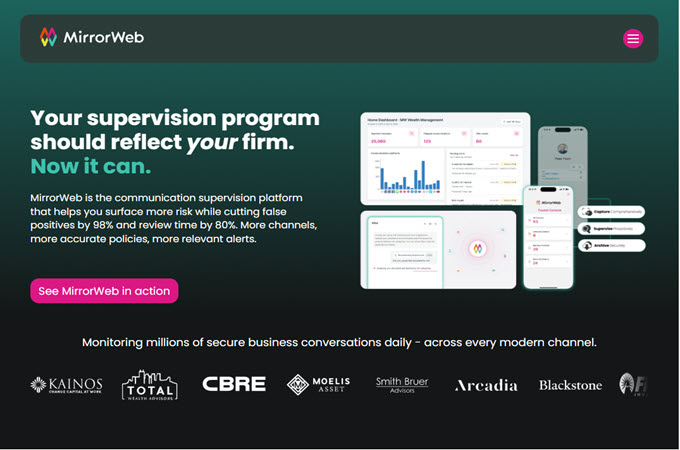
7. MirrorWeb
Best for: Professional website archiving
MirrorWeb is focused more on professional and organizational archiving.
Businesses and other organizations may need to preserve websites and digital records for longer periods. This can be different from someone simply trying to find an old blog post.
Key features
- Website preservation
- Support for modern websites
- Designed for organizations
- Useful for long-term digital records
Good for
MirrorWeb may be more relevant to businesses, institutions, and teams with ongoing archiving needs.
For casual users looking for a single old webpage, a simpler archive may be enough.
APP
Each service has a different purpose, so it helps to compare them before choosing one.
| Tool | Best For | Main Strength | Free Access |
| Archive.today | Quick snapshots | Simple webpage preservation | Yes |
| Memento Time Travel | Multi-archive searches | Searches across archives | Yes |
| Perma.cc | Academic and legal work | Stable references | Limited depending on use |
| Webrecorder | Interactive pages | Detailed web captures | Yes |
| Common Crawl | Data research | Large web datasets | Yes |
| Library of Congress Web Archives | Historical research | Curated collections | Yes |
| MirrorWeb | Professional archiving | Organizational preservation | Varies |
If you’re specifically looking for a free Wayback Machine alternative, check the current access rules of each service. Free access can mean different things. Some services let you search freely but may have limits on creating or storing new captures.
How to Choose the Right Alternative
There isn’t one archive that works perfectly for every situation. Think about what you are trying to do first.
If you’re trying to recover an old webpage
Try services such as Archive.today or Memento. Searching more than one archive can increase your chances of finding a copy.
If you’re doing SEO research
Look for services that make it easy to compare older pages. Archive.today and Memento can be useful starting points, while large datasets such as Common Crawl may help with broader research.
If you’re writing an academic paper
A service such as Perma.cc may be more appropriate when you need a stable reference to an online source.
If you’re researching historical websites
The Library of Congress Web Archives can be worth checking, especially when your research involves a specific historical topic or event.
If you need to work with a lot of web data
Common Crawl is designed for large collections of web information and may be more suitable than a basic archive website.
If you’re preserving a business website
A professional service such as MirrorWeb may be worth exploring when your organization needs ongoing website preservation.
The best free Wayback Machine alternative also depends on what you need from the service. A tool that works well for finding a deleted article may not be the right choice for academic citations or large-scale research.
Tips for Organizing Information From Archived Pages
Finding an archived page is only part of the work.
If you’re researching several versions of a website, you may end up with a folder full of saved pages, screenshots, PDFs, and notes. Going through everything manually can become confusing.
This is where an AI organization tool can help.
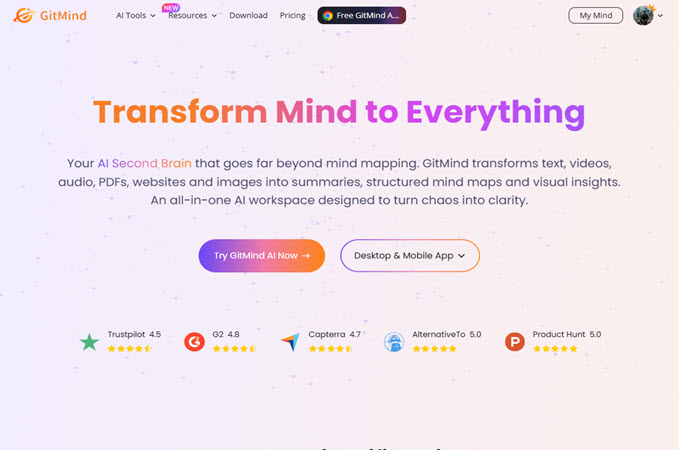
For example, you can use GitMind AI to turn research material into a clearer visual structure. Instead of keeping every finding in separate notes, you can organize related information and see how different pieces connect.
A simple workflow could look like this:
- Find an old webpage using a suitable archive.
- Save the page or collect the information you need.
- Find several versions if you’re comparing changes.
- Put your notes and important findings into GitMind AI.
- Organize the information into a mind map or structured set of notes.
- Compare things such as headlines, topics, page structure, and important changes.
A simple example
Let’s say you’re researching how a competitor’s website changed over the last five years.
You could find older versions through several archives and record the major changes. Then, instead of keeping those observations in a long document, you could organize them by year.
You might have sections for:
- Homepage changes
- Product pages
- Blog topics
- Headlines
- Keyword themes
- New or removed sections
This makes it easier to spot patterns without constantly jumping between different archived pages.
Tip: If you’re working with a lot of archived information, GitMind AI can help turn scattered research notes into a visual map. It can be especially handy when you’re comparing several versions of the same website.
Why You Should Check More Than One Archive
It can be tempting to stop searching after checking one archive. But online archives don’t all collect the same content.
One service may have a snapshot from 2020 while another has one from 2021. One may preserve the text but not the images. Another may have captured a more complete version.
That’s why using several sources can be helpful.
A simple approach is:
Search → Compare → Save → Organize → Analyze
First, search for the page. Then check another archive if the first one doesn’t have what you need. Save the useful versions, organize your findings, and then compare them.
This approach is particularly useful for SEO research, historical research, and content analysis.
Common Problems With Web Archives
Even when you use a wayback machine alternative, you may not always find a complete copy.
Here are some common problems:
The page was never archived
If no service captured the page, there may not be an old copy available.
Images are missing
An archive may preserve the text but fail to load some images or other media.
Interactive features don’t work
Some websites depend heavily on scripts and other features that may not work correctly in an archived version.
The website blocked archiving
Some website owners use settings that limit or prevent automated archiving.
You found the wrong version
A search result may lead to a snapshot from a different date than the one you’re looking for.
For these reasons, archived pages should be checked carefully, especially when you’re using them as evidence for research.
FAQ
What is a Wayback Machine alternative?
A Wayback Machine alternative is another service that helps users find, save, or study older versions of webpages. Different services have different collections and features.
What is a free Wayback Machine alternative?
Several archive services provide free access to some or all of their features. However, the limits can vary, so check the service’s current rules before relying on it for a large project.
Why can’t I find a webpage in an archive?
The page may never have been captured, the website may have restricted archiving, or the available snapshot may have been removed or stored somewhere else.
Can I use archived pages for SEO research?
Yes. Archived pages can help you examine how a website’s content, structure, topics, and other elements have changed over time.
Can archived webpages be used for academic research?
They can be useful sources, but you should check the requirements of your school, journal, or research project. Pay attention to the archive date and the original source.
Can AI help analyze archived webpages?
Yes. After collecting archived pages or notes, AI tools can help organize large amounts of information. For example, GitMind AI can be used to turn research material into structured notes or visual maps.
Which alternative should I use?
Start with your goal. If you want a quick snapshot, look at a service focused on webpage capture. If you’re searching across archives, try a multi-archive service. For academic references, consider a service designed for stable citations. For large data projects, look at web datasets.
Conclusion
The Wayback Machine is useful, but it isn’t the only place to look when an old webpage disappears.
A wayback machine alternative can give you another way to find missing snapshots, save pages, or research how websites have changed. Archive.today, Memento, Perma.cc, Webrecorder, Common Crawl, the Library of Congress Web Archives, and MirrorWeb all have different strengths.
The key is to choose based on your actual goal rather than looking for one tool that does everything.
And once you’ve collected your archived pages, don’t forget about the second part of the job: making sense of all that information. Organizing your findings with a tool such as GitMind AI can make comparisons easier, especially when you’re working with several versions of a website.

Leave a Comment