If you want to publish a Getty Images photo, download it through Getty Images after buying the appropriate license or using an eligible account agreement. If you only need to test a layout, Getty offers a comp for temporary work in progress. A comp cannot go into final or publicly available material without a license. There is no third-party “downloader” that gives you the rights you need to publish the file.
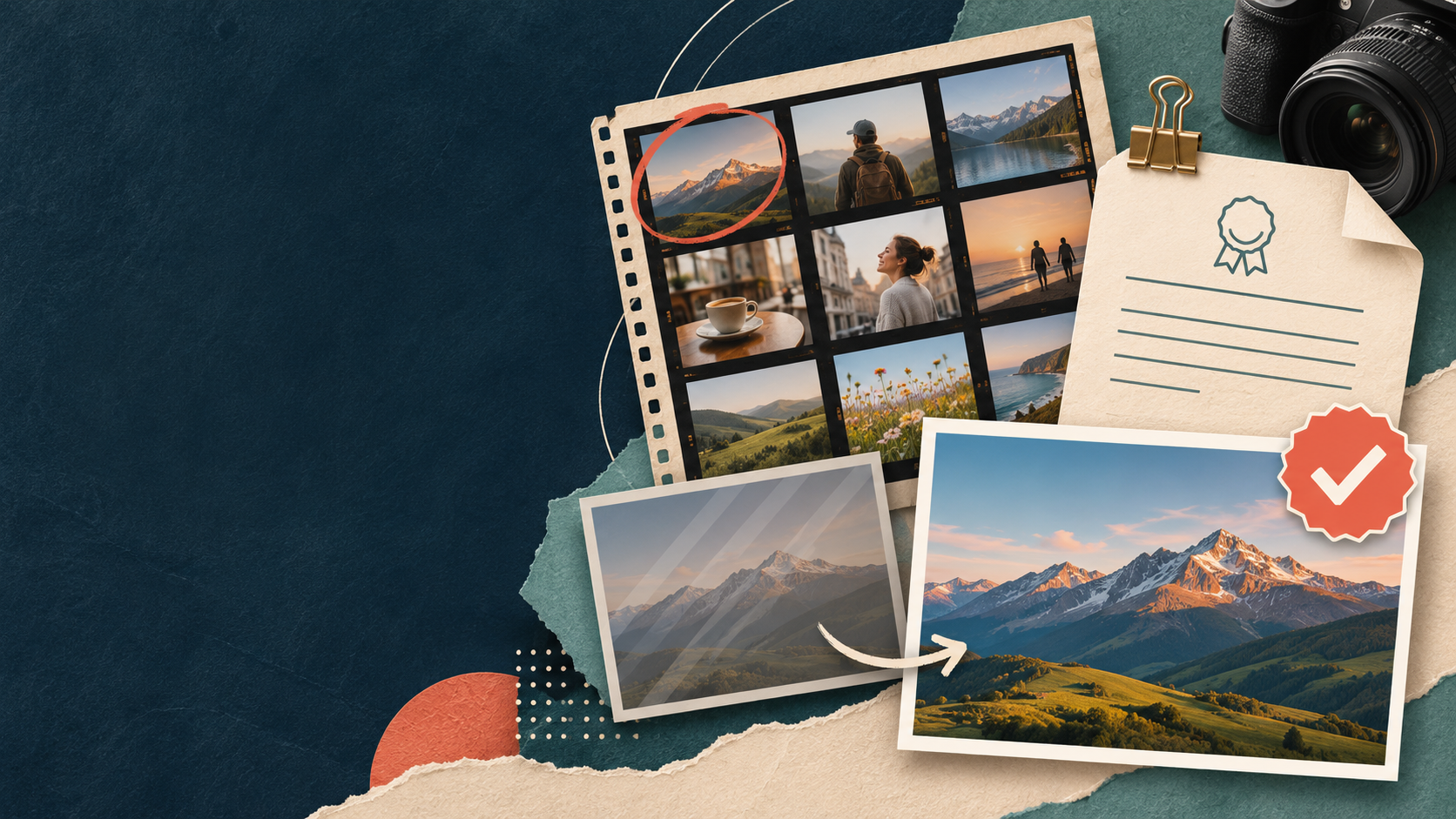
Choose the right download route
| Your goal | Route | What to check |
|---|---|---|
| Publish a photo, illustration, or video | License it or use an eligible Getty agreement, then select Download | Allowed use, file size, licensee, and any editorial restrictions |
| Test an internal layout | Select Comp on an eligible Getty result | Remove it from final and public materials unless you license it |
| Use a different image without buying a Getty license | Search an alternative image source | The specific image’s license and any people, logos, or brand rights |
Getty’s download FAQ documents its purchase, agreement, and comp routes. Its licensing FAQ explains that downloading a licensed file gives you permission under the license terms, rather than ownership of the photograph itself.
Download a licensed image from Getty Images
- Open the image’s detail page on Getty Images and confirm it is the correct asset. Similar thumbnails can represent different crops or usage categories.
- Read the license and intended-use information. A business ad, an editorial article, and an internal presentation can have different requirements.
- Check the dimensions before choosing a size. A small file may work in a slide but look soft in a large banner or print layout.
- Purchase the applicable license, or use the download option tied to your account’s eligible pack, subscription, or agreement.
- Click the official Download control and keep the purchase or agreement record with the project.
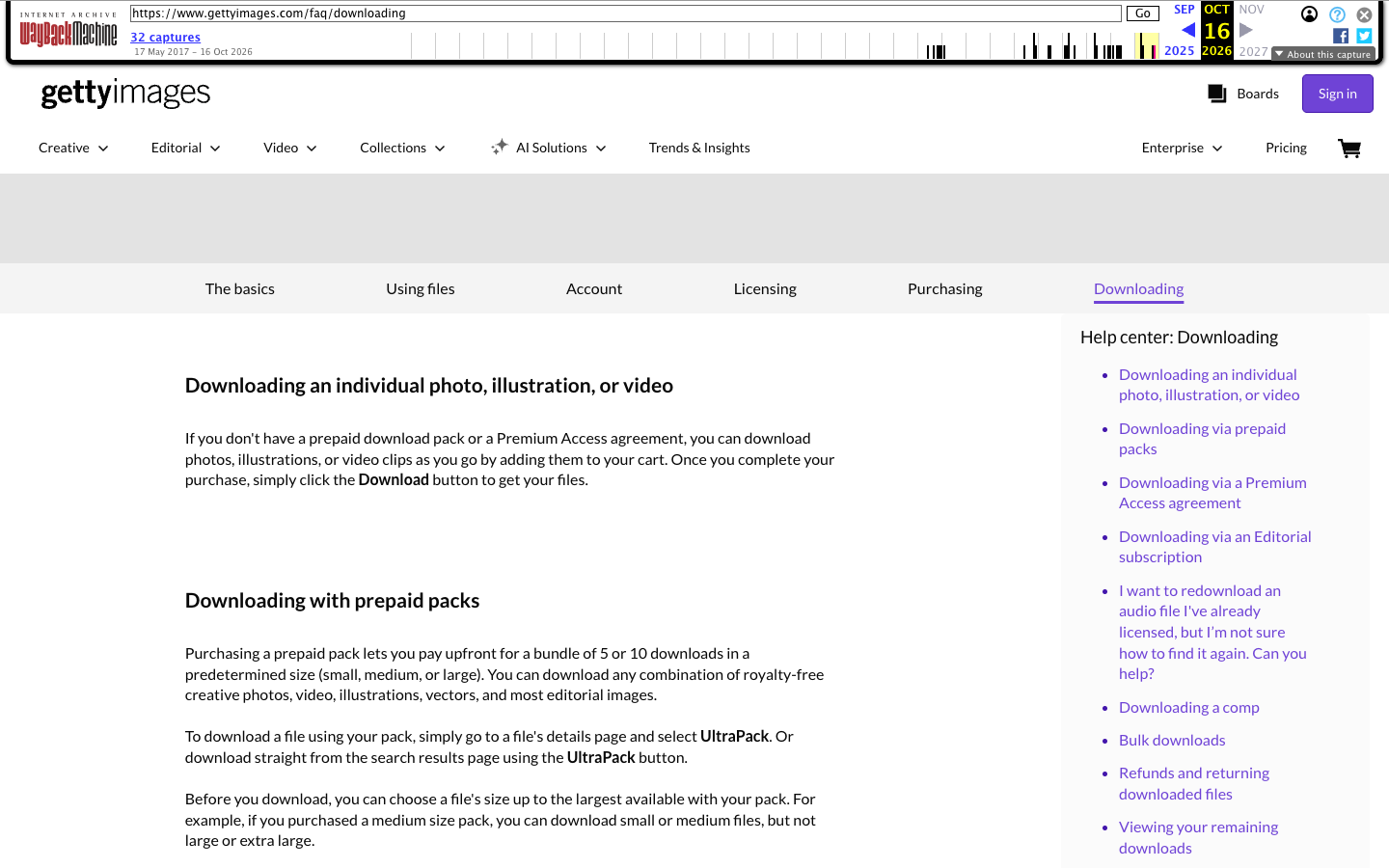
Archived screenshot: Getty Images download help on October 16, 2026. Download controls vary by account and agreement.
Getty’s download instructions say single files can be purchased through the cart. Prepaid packs and team agreements show their own eligible download controls. If the button you expect is absent, check the account, agreement filter, asset category, and selected size before assuming the image is included.
Use a comp for a draft, then replace it
A comp lets you check composition before buying. On the image page or search results, choose Comp where available. Getty’s current policy allows comps in work-in-progress projects for test or sample purposes for up to 30 days from download. Without a license, the comp cannot appear in final materials or anything publicly available.
A practical handoff rule is to mark the comp as “replace before publish” in your design file and project notes. Before exporting the final slide, article, or ad, replace it with the licensed file and recheck the crop. A screenshot of the Getty preview is not a substitute for that step.
Royalty-free and editorial are different choices
Getty’s licensing guide says its standard royalty-free license can cover many uses, subject to the actual agreement. Editorial and other rights-specific assets can be limited by where, when, and how they are used. “Royalty-free” does not mean “free to download,” and an editorial image should not be assumed suitable for an advertisement.
For a client project, record who the licensee is. Getty says license ownership stays with the named person or company unless the purchase records identify another licensee; packs and subscriptions have additional transfer restrictions. If the image is central to a commercial campaign, check the exact terms before the final export.
If a Getty license is not the right fit
Choose a different image, then check its own terms:
Unsplash
Unsplash offers images under its site license, which permits many personal and commercial uses while imposing restrictions on some resale and competing-service uses.
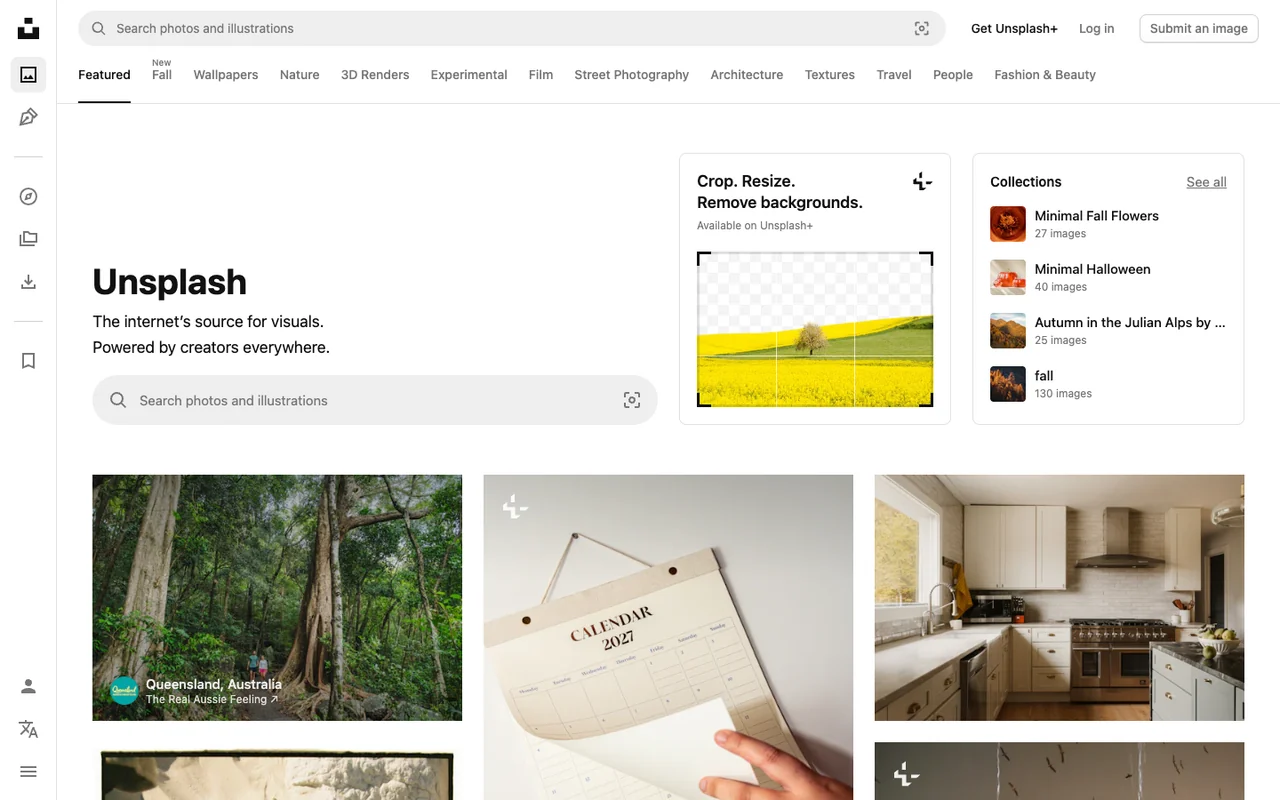
Archived screenshot: Unsplash homepage on November 1, 2026. Check the live site’s current license before use.
Pexels
Pexels allows free use under its license. Its help center notes that recognizable brands, logos, and people can still raise separate rights questions.
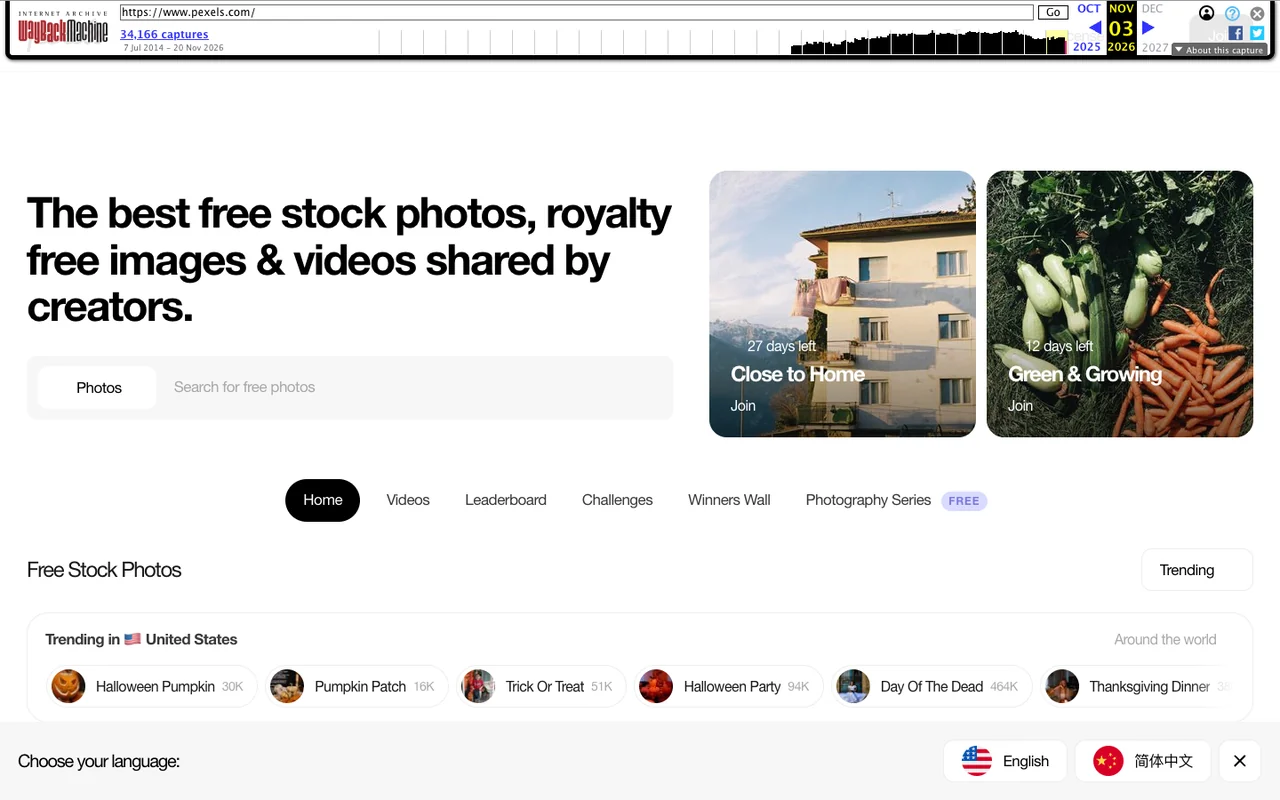
Archived screenshot: Pexels homepage on November 3, 2026. Check the live site’s current license before use.
Wikimedia Commons
Wikimedia Commons contains images under different licenses. Read the individual file page and follow its attribution and share-alike requirements when they apply; the site’s reuse guide explains the differences.
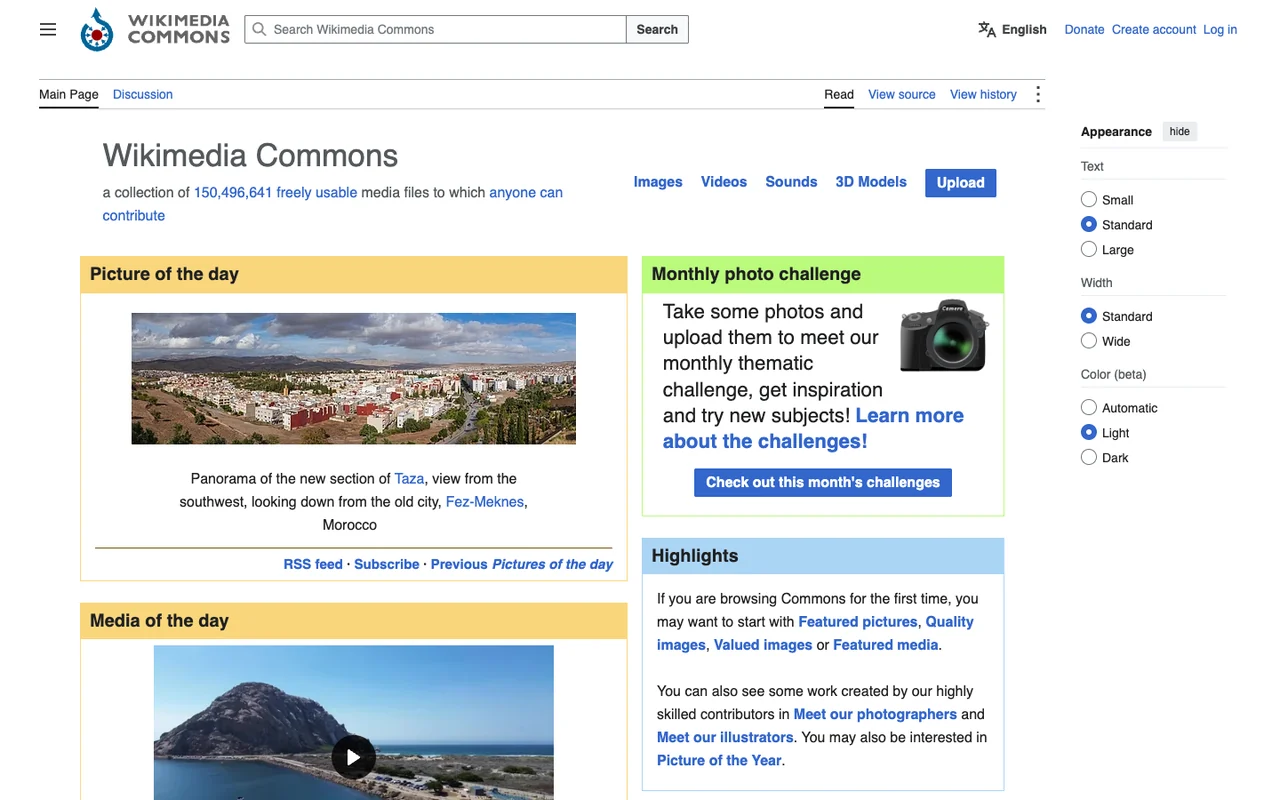
Screenshot: Wikimedia Commons, captured November 24, 2026.
Search these libraries for the visual job the photo must do—such as “team working at a whiteboard” or “city skyline at dusk”—rather than trying to find an unauthorized copy of the exact Getty asset. Check the dimensions and intended placement before committing to an alternative.
A simple image-rights checklist
Before publishing, save the asset page URL, license or purchase record, permitted use, licensee, creator credit if required, and final file name. Recheck the image in the finished design: the crop, caption, and nearby copy should not imply an endorsement that the license or depicted person does not provide.
Once you have files you are licensed to use, a GitMind whiteboard can hold candidate images, source URLs, and layout notes while the team chooses a final visual. Keep the license record with the project files; a whiteboard thumbnail alone is not proof of usage rights.
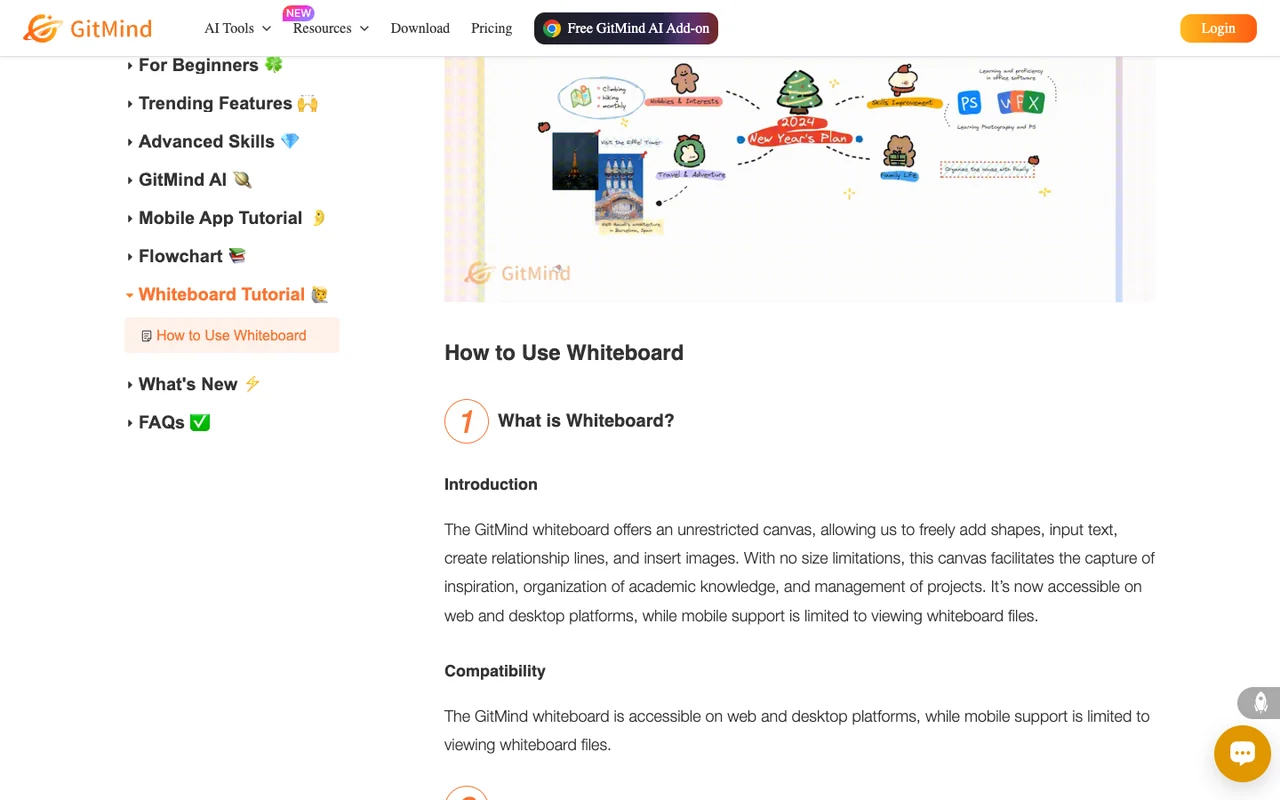
Screenshot: GitMind whiteboard tutorial, captured November 24, 2026.
The official Getty download is the right path for a Getty file you plan to use. A comp works for temporary design review. If neither fits, use an alternative image with terms that match your project.
FAQ
Can I post a Getty comp on social media?
Getty says comps are for work-in-progress test or sample use for up to 30 days. Without a license, they cannot appear in final or publicly available materials, which includes a public social post.
Does removing a watermark make the image usable?
No. The right to publish comes from the license or another valid permission, not from how the file looks. Use Getty’s official download route or choose a different image with suitable rights.
Where can I find a file I already licensed?
Getty’s download FAQ points customers to account download history or purchase history, depending on how they obtained the file. Check the relevant account before buying the same asset again.

Leave a Comment