Online AI PDF Translation Tool

Upload a PDF and get instant multilingual translation. Preserve original layouts, images, and tables, with OCR support for scans to deliver natural, professional output.

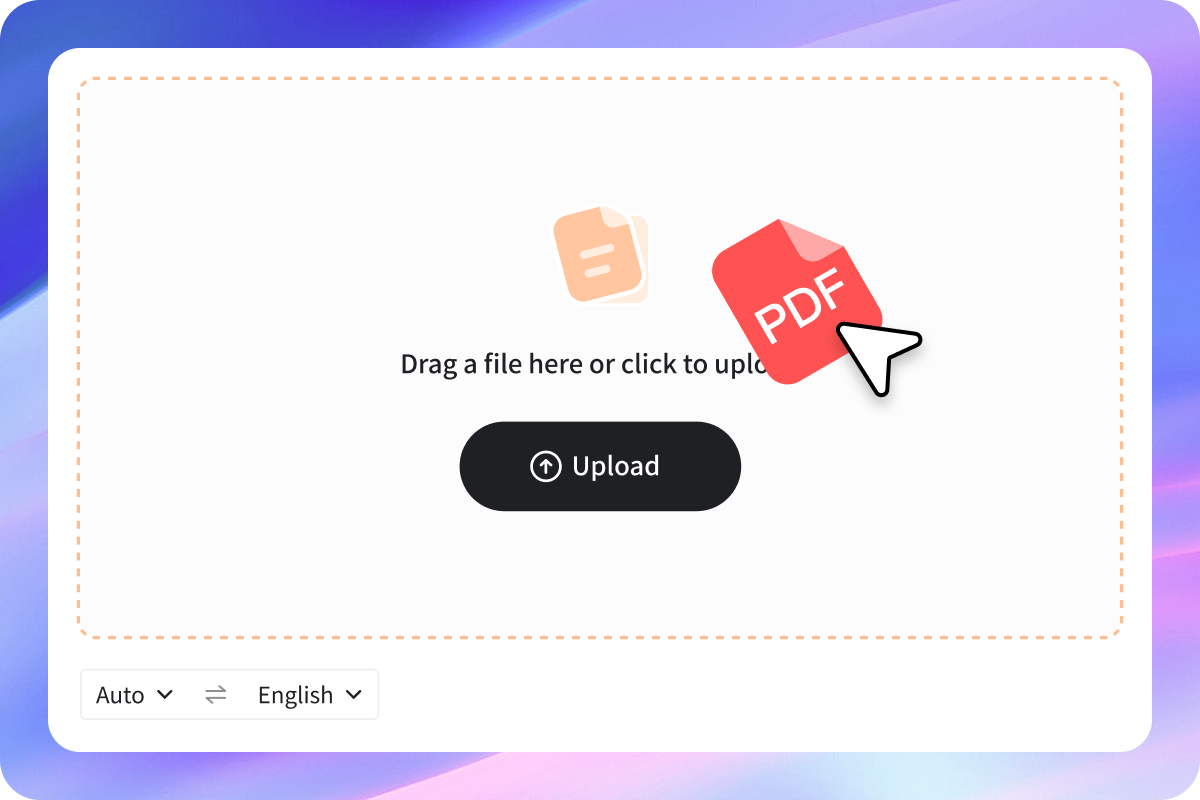
upload
Click to upload
Upload
Auto
  • input
  • Auto
  • Bahasa Indonesia
  • Deutsch
  • English
  • Español
  • Français
  • Italiano
  • Polski
  • Português
  • Tiếng Việt
  • Türkçe
  • Čeština
  • العربية
  • 日本語
  • 中文(简体)
  • 中文(繁體)
  • 한국어
Auto
  • Output
  • Bahasa Indonesia
  • Deutsch
  • English
  • Español
  • Français
  • Italiano
  • Polski
  • Português
  • Tiếng Việt
  • Türkçe
  • Čeština
  • العربية
  • 日本語
  • 中文(简体)
  • 中文(繁體)
  • 한국어

Want to understand this document faster?

progress
01

Upload PDF

Automatically detects source language and layout, with OCR support for scanned files. Efficient even for long documents.

02

AI Translation

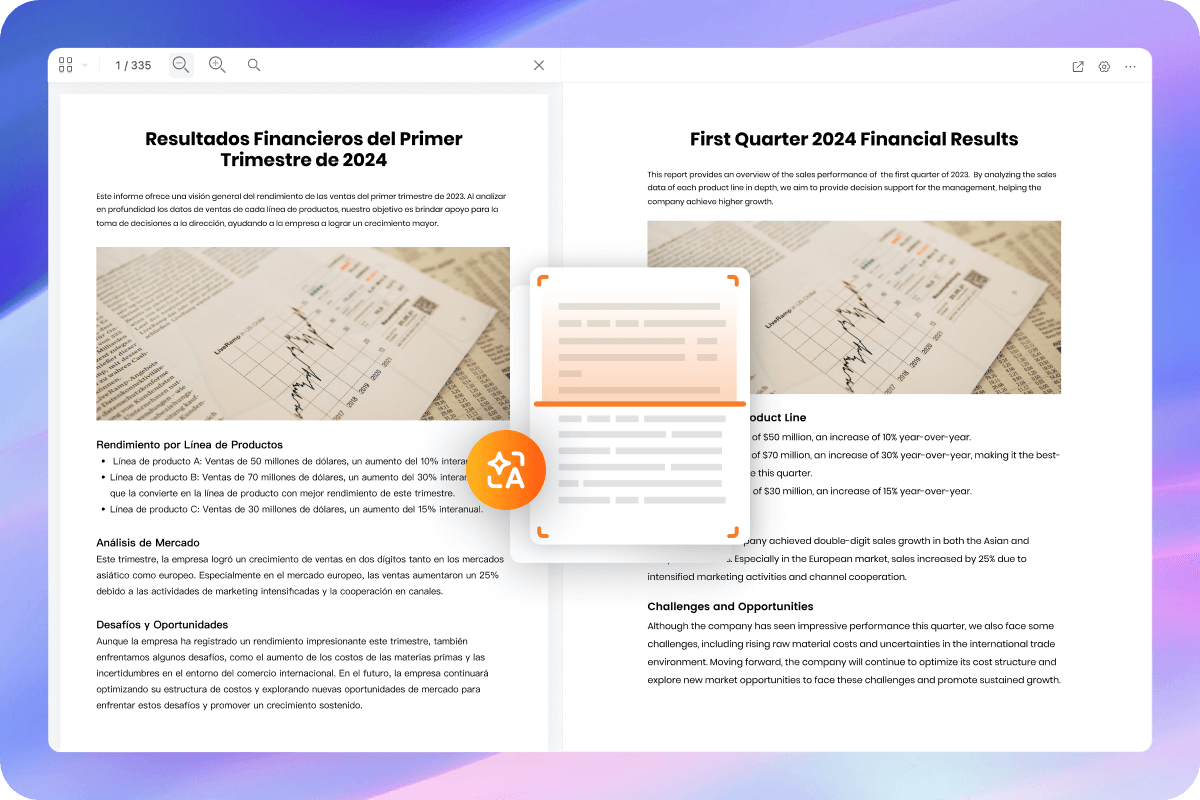
Preserves original formatting and layout with aligned paragraphs for accurate, smooth reading.

03

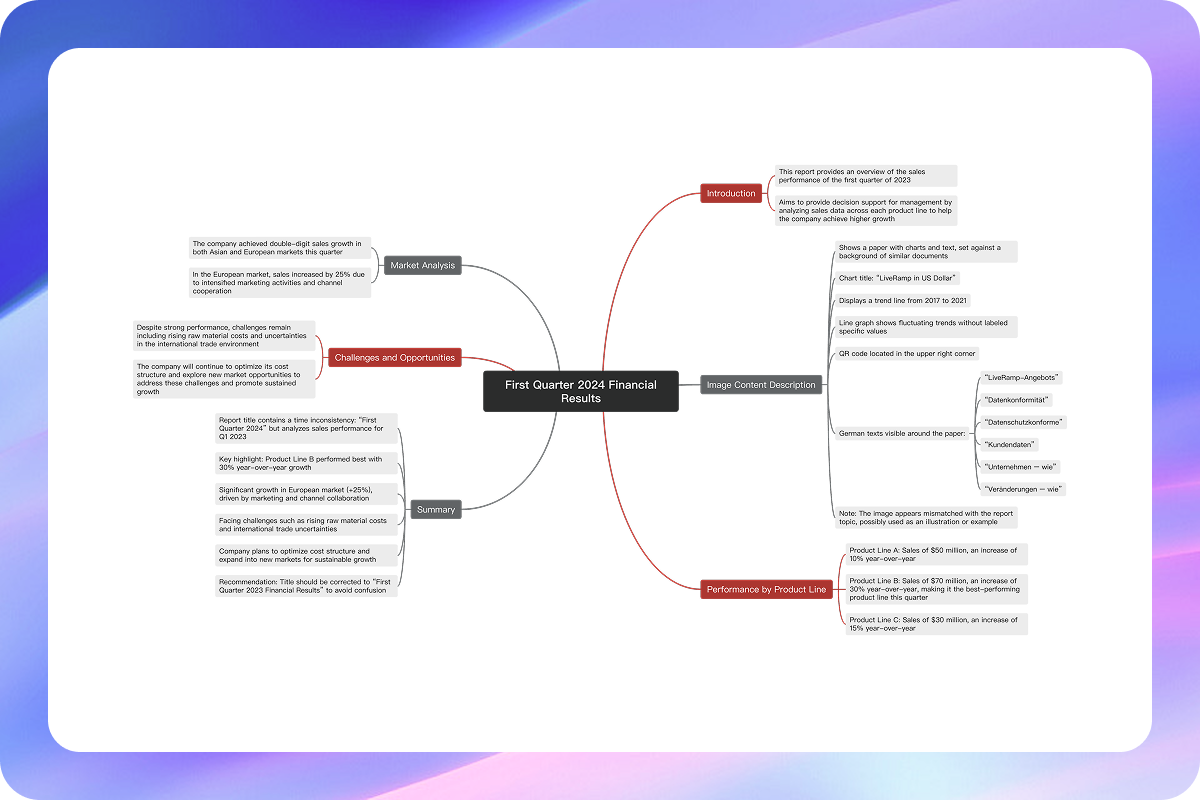
Export & Generate Mind Map

Download translated files with ease, and generate a mind map in one click to outline key points and structure.
Core Features of Online PDF Translation

  • Layout Matching

    Translated content follows the original layout, preserving tables, images, headers, and footers.

  • Scanned File Support

    Built-in OCR extracts text from images and scanned PDFs for seamless translation.

  • Easy to Use

    No software installation needed. Upload your file and get your PDF translated within seconds.

  • Structured Output

    After translation, generate a mind map in one click to instantly organize key ideas.

  • Multiple Language Support

    Translate PDFs into over a dozen languages to meet diverse needs.

  • Private & Secure

    All documents are encrypted and automatically deleted after processing for maximum privacy.

Perfect for Various PDF Translation Scenarios

FAQ

  • Can it translate scanned PDFs?

    Yes. The tool includes OCR to recognize text in scanned files, photos, or images and translate them automatically.

  • Which languages are supported?

    GitMind AI PDF Translation supports 20+ languages including Chinese, English, Japanese, Korean, German, French, Spanish, Portuguese, and more. The system auto-detects the source language.

  • Will the layout break after translation?

    No. GitMind preserves the original PDF structure—paragraphs, tables, images, and footnotes. For extremely complex layouts, the system automatically applies “layout-matching mode” to ensure readability.

  • Can I generate a mind map after translation?

    Yes. As a mind mapping tool, GitMind lets you convert translated content into a mind map with one click for studying, presentations, or project summaries.

  • Will my files be stored or made public?

    No. GitMind follows strict data security standards. Files are SSL-encrypted, temporarily processed only during translation, then automatically deleted. They are not used for training or external storage.

  • What else can GitMind do?

    Besides PDF translation, GitMind offers AI summary, AI book summaries, and AI mind map generation. Quickly structure any document into study notes or report outlines.

Translate Your PDF Online Now