If you used Torrentz2 to find a file, the most reliable replacement depends on what you are trying to download. For research datasets, start with Academic Torrents. For archival material, check the Internet Archive. For Linux installers, use the official torrent pages from Ubuntu or Debian.
These sources serve different collections rather than recreating a general-purpose Torrentz2 search index. That distinction matters: a search result or magnet link by itself tells you little about who published a file or whether you may use it.

Which alternative fits your download?
| Source | Best for | What you can get | Check before downloading |
|---|---|---|---|
| Academic Torrents | Research datasets and scientific material | Torrent files or magnet links for listed projects | Dataset description, uploader, license, size, and available peers |
| Internet Archive | Public collections and archived media | Torrents on eligible item pages | Item rights statement and the files included in the torrent |
| Ubuntu alternative downloads | Ubuntu installation images | Official torrents for listed releases and architectures | Release and device architecture |
| Debian BitTorrent downloads | Debian installation images | Official USB, CD, and DVD image torrents | Image type, architecture, and verification instructions |
This comparison uses each project’s published download information. Availability and licenses can differ by item, so check the individual listing before relying on it.
1. Academic Torrents for research data
Academic Torrents is a community-maintained repository for datasets and scientific knowledge. Its getting-started guide explains how to browse a project, inspect its size, and open its .torrent file or magnet link in a BitTorrent client.
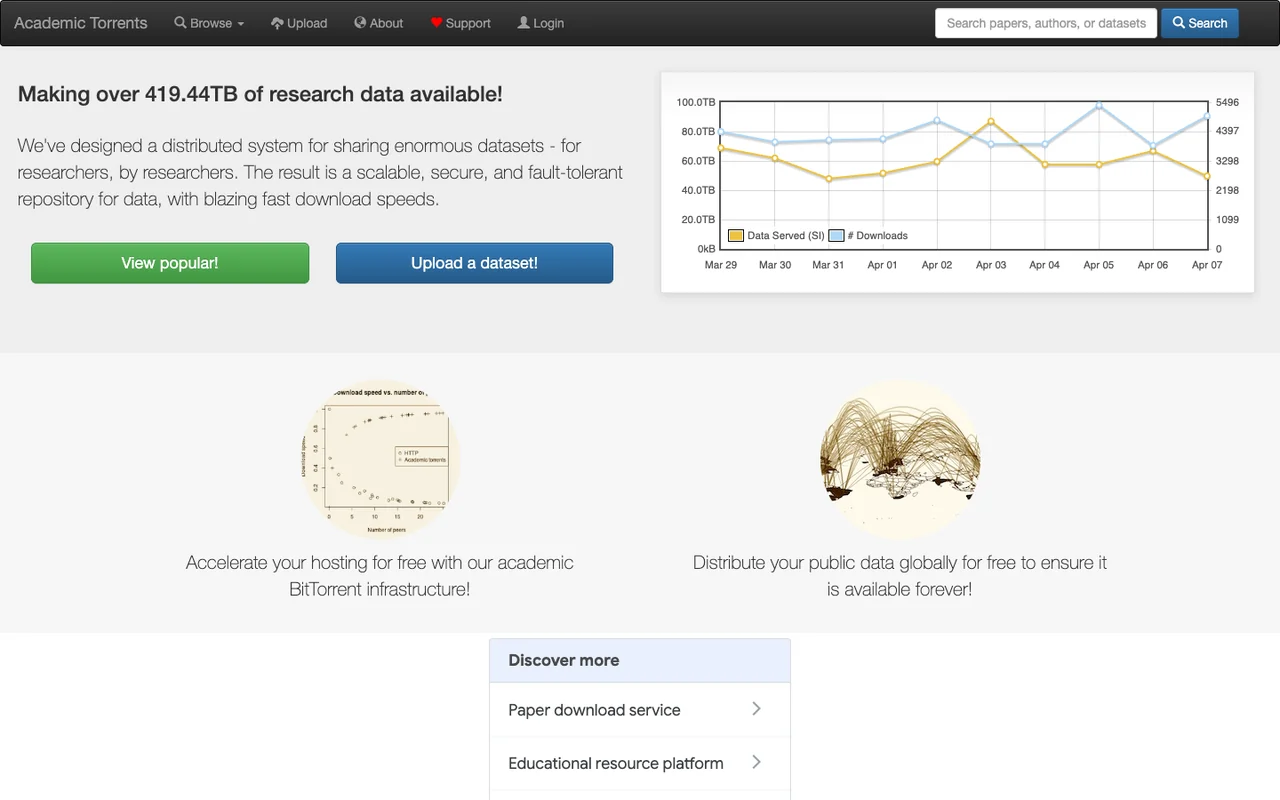
Screenshot: Academic Torrents, captured November 24, 2026.
Use it when you know the dataset, subject, or research group you need. A large dataset may be easier to transfer through BitTorrent, and you can select individual files from a multi-file torrent in your client. The trade-off is that the repository is not a general book, movie, or software catalog. Check the dataset’s own terms and documentation before reusing it; being listed in a repository does not grant every possible use.
2. Internet Archive for eligible collections
The Internet Archive’s BitTorrent guide explains that some public collection items have an Archive BitTorrent download. Search the Archive for the work you need, open its item page, and inspect its download options and rights information. You can also filter Archive searches by its BitTorrent format.
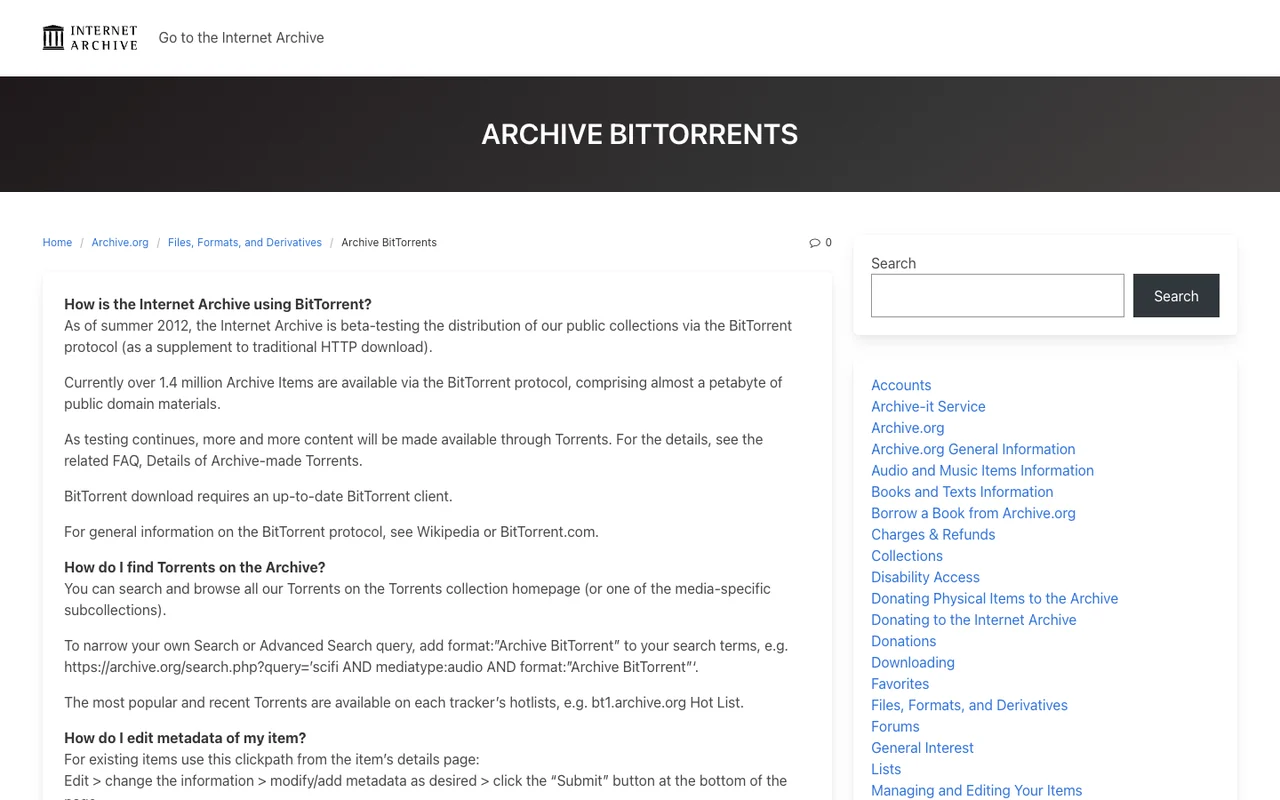
Screenshot: Internet Archive BitTorrent help, captured November 24, 2026.
This is useful for large archival collections when a torrent is offered. It has two practical limits. First, an item page may offer a different access method, such as online reading or borrowing. Second, the Archive says an older torrent can stop completing after the underlying item changes. If that happens, download the current torrent from the item page and try again.
3. Ubuntu for an official Linux torrent
Ubuntu’s alternative downloads page lists BitTorrent options alongside its regular download methods. Choose the release and architecture shown for your computer, then open the resulting torrent in your client. This route is especially clear when you want a large operating-system image from its publisher rather than a similarly named upload from an unknown index.
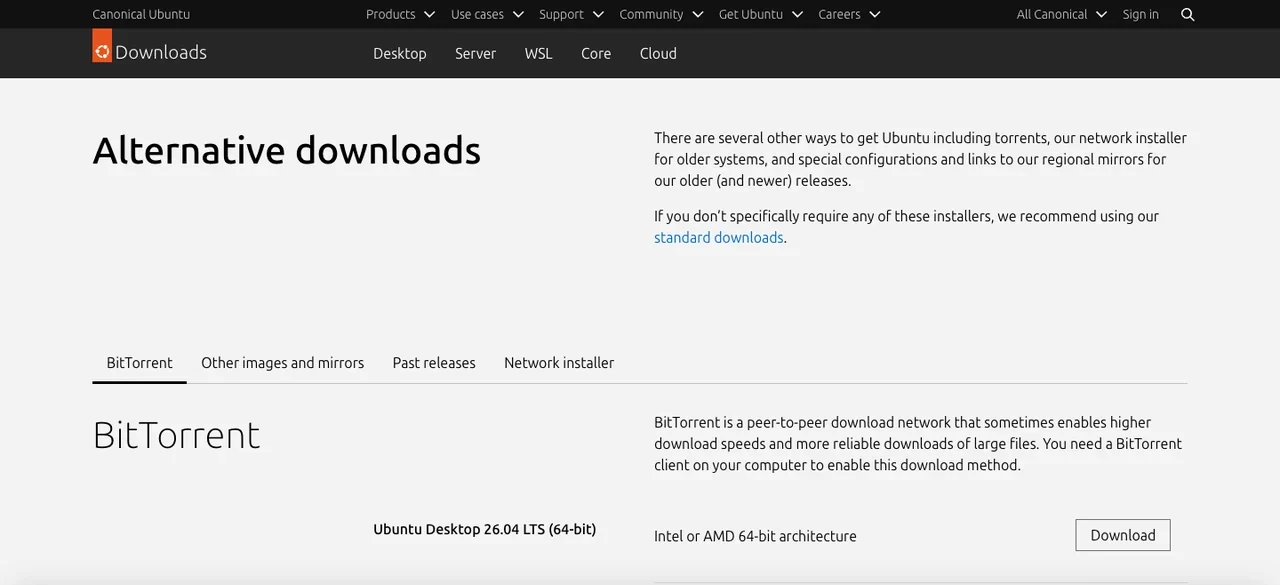
Screenshot: Ubuntu alternative downloads, captured November 24, 2026. Release names may change.
Keep the release name with the file you save. If you later create an installation drive, you will know which image you used and where to find the project’s current installation and verification guidance.
4. Debian for installation images
Debian provides official torrent links for several image types and architectures. Choose the architecture first, then decide whether you need a smaller installer or a larger image. Debian also links to its verification instructions from the download area.
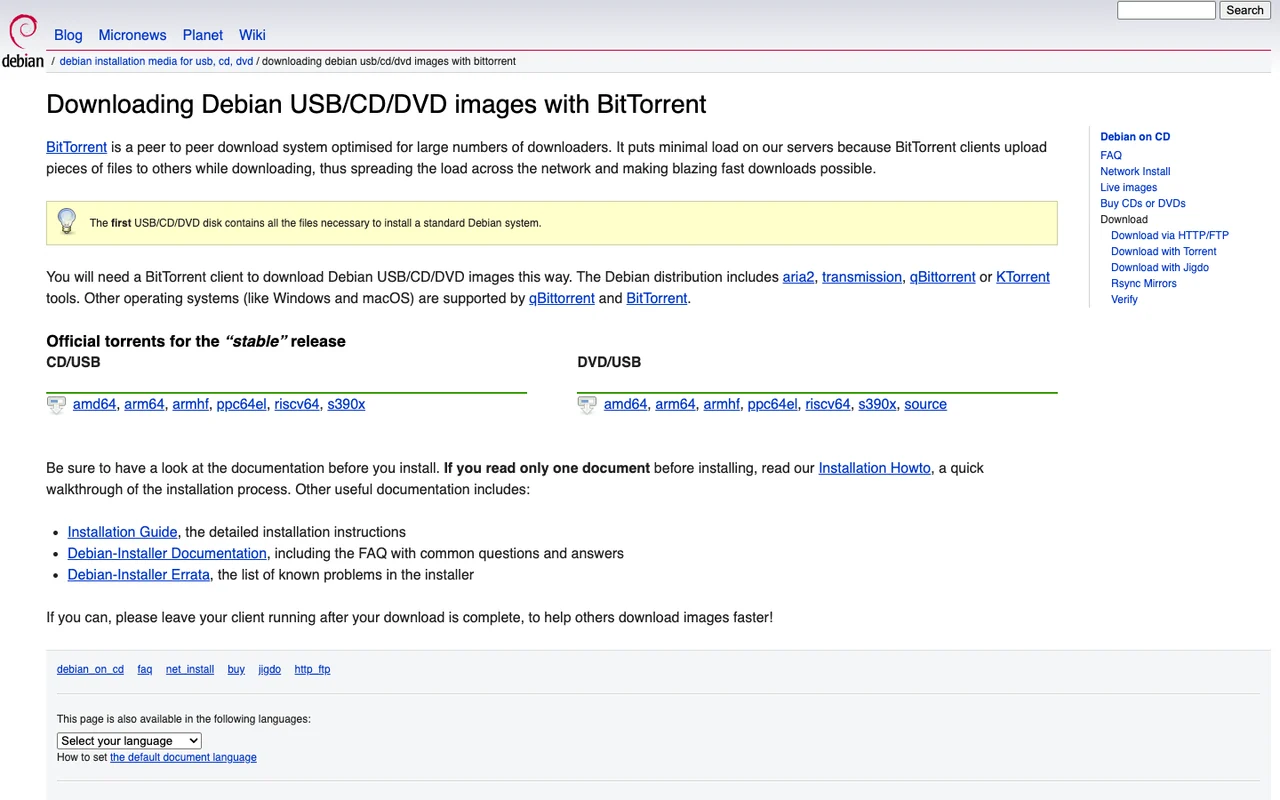
Screenshot: Debian BitTorrent downloads, captured November 24, 2026.
The main limitation is scope: these are Debian installation files, not a searchable library of unrelated software. That narrow scope is also why the source is easy to verify.
How to check a torrent before opening it
- Start at the publisher or collection page. Copy a torrent link from the project that owns or is authorized to distribute the material.
- Read the item description. Confirm the title, version, publisher, license, and expected file size. For a research dataset, read its documentation and reuse terms.
- Inspect the file list in your client. A Linux image should contain the files described by its release page. Unexpected executables or password-protected archives deserve a closer look.
- Use the publisher’s verification instructions when available. A checksum or signed manifest helps identify a damaged or substituted download.
- Keep the source URL. If you share the file or cite a dataset later, you can trace it back to the original listing.
A BitTorrent client transfers files; it does not certify their source, safety, or permissions. Debian’s download page links to client options if you need one for a legitimate download.
Which one should you use?
Search Academic Torrents for a named dataset, the Internet Archive for an eligible public collection, and the distribution’s own site for a Linux image. If none of these sources has the work you want, search for the creator, publisher, library, or rights holder. A general torrent index may show a matching filename without providing the origin or permission information you need to make a sound choice.
If you are collecting research papers alongside a dataset, a research concept map can help you record the source, key variables, and open questions after the download. Keep the dataset license and original item URL in your research notes.

Screenshot: GitMind’s research concept-map guide, captured November 24, 2026. The pictured map is an example from the guide.
FAQ
Is Torrentz2 a BitTorrent client?
No. Torrentz2 was a search service for locating torrent listings. A BitTorrent client opens a .torrent file or magnet link and transfers the data. Choose the source first, then use a client to handle the download.
Why does an Internet Archive torrent stop before completion?
The Archive says a torrent can become outdated when the underlying item changes. Return to the item page and download its current torrent. Also check the client’s file list and whether the item offers a direct download instead.

Leave a Comment